how to make merch for free
How to Make Merch for Free: A Zero-Cost Setup for Small Creators
How to make merch for free as a small creator: free design tools and fonts, free mockups, a storefront with no monthly fee, where to sell it on Twitch and YouTube, and the costs that are not free.
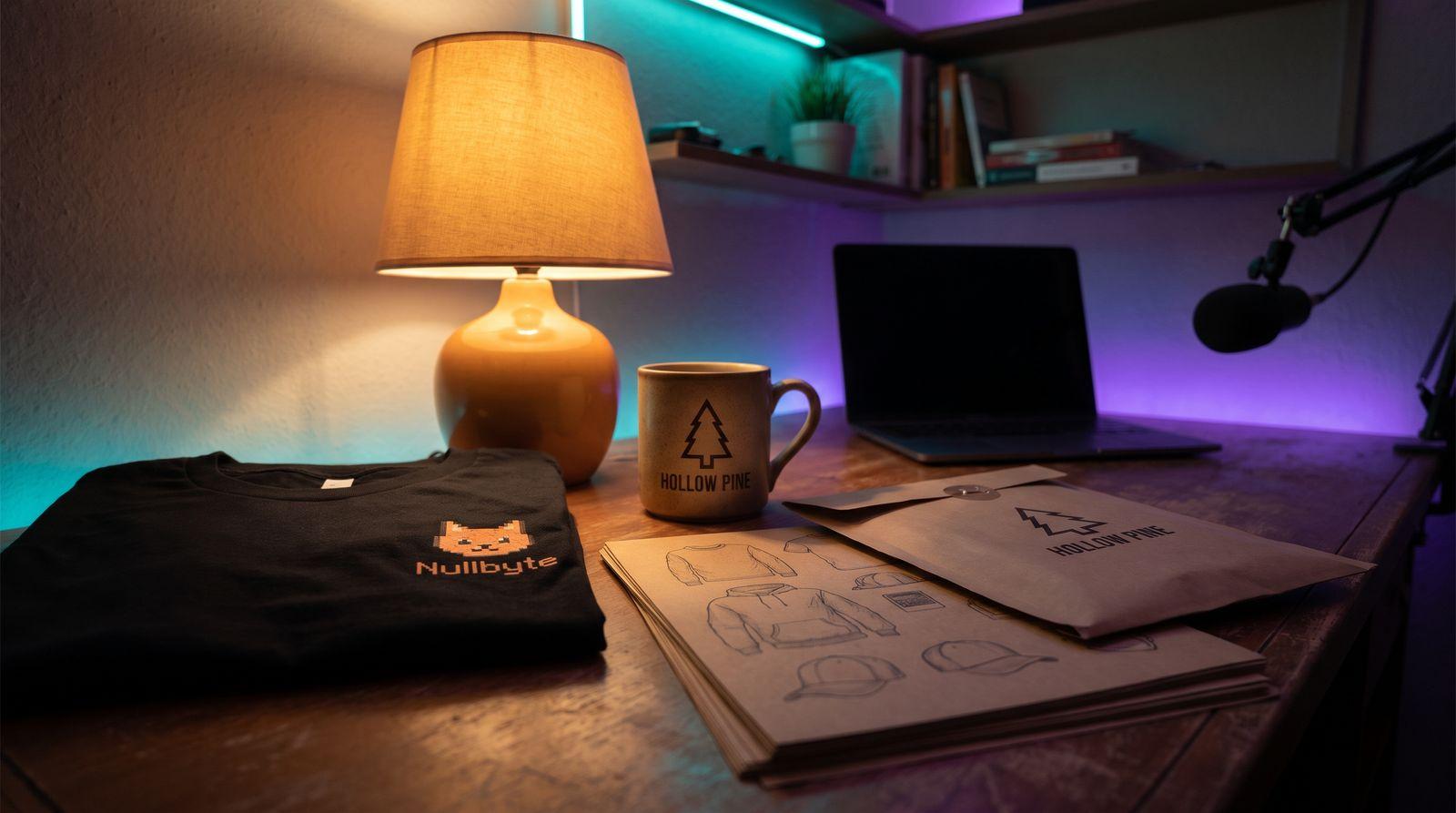
"Make merch" sounds like it needs a budget: a designer, a box of shirts, a store with a monthly bill. For a small creator it needs none of those. Print on demand means nothing is printed until a fan has paid, and the tools around it, from the design editor to the storefront, have free tiers that are enough for a first drop. This guide walks through what free actually covers, how to design, mock up and list a product without spending anything, where to sell it on the platforms you already stream on, and the three costs that are not free, so none of them surprises you.
What "Free" Actually Covers
Free here means no upfront cost. You do not pay to open an account with a print-on-demand supplier, to put a design on a product, to generate a mockup or to list the product in a store. The supplier prints the item after a customer orders and pays, takes its base price and shipping out of that payment, and sends you the difference. If nobody orders, nobody prints, and you have spent nothing.
That is a real zero, and it is the reason merch is possible for a channel with forty viewers. The two big suppliers are both built this way. Printful's pricing page lists a Free plan at $0 a month with no fees to join, and a paid Growth plan that discounts products once your sales justify it. Printify's structure is the same shape: a free plan and a paid tier that discounts products, which you do not need for a first drop.
What free does not cover is a sample, which the section on costs returns to, and anything that only exists because you decide to pay for it: a designer, a paid font, a store builder with a subscription. Everything below avoids those.
Step 1: Design It With Free Tools
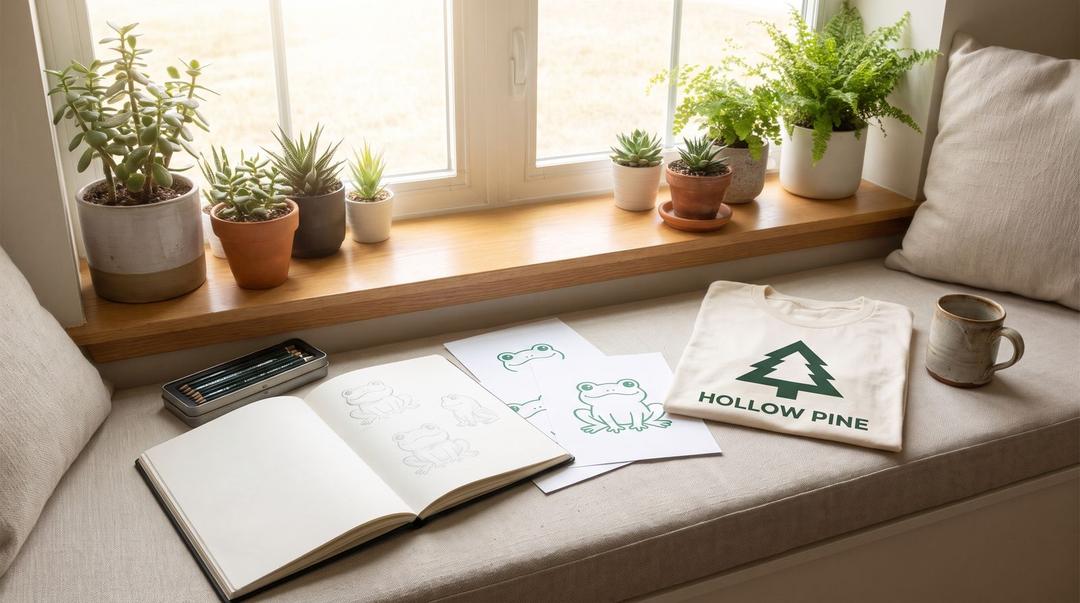
The design is the only part of merch that takes skill, and it is also where creators spend money they do not have. Start with what you already own. Your emotes, your logo, your channel's running joke and the phrase chat spams are all assets, and they are yours to print.
Both suppliers include a design editor that works in the browser. Printful's Design Maker and Printify's Product Creator both let you upload artwork, add text, use a library of free graphics and place the design on the product without any other software. They are not Illustrator, but for a logo, a wordmark or a one-line joke they are enough, and the file they produce is already sized for the print area.
Fonts are the hidden cost in a design, because the font that ships with a word processor is often not licensed for commercial print. The fix is an open licence. The SIL Open Font License site explains that you can use OFL fonts "in books, posters, artwork, logos, and on websites" and that no acknowledgement is required, and most of the fonts on the large free font libraries are released under it. Pick one of those for your wordmark and the licence question is closed.
Two rules keep a free design out of trouble. Do not use game assets, characters or logos you do not own, however much your stream is about that game, because the supplier can refuse the order and the rights holder can do worse. And keep the first design simple: one colour, one placement, big enough to read in a thumbnail. Our streamer logo checklist covers what makes a mark work at that size.
Step 2: Mock It Up Without a Photoshoot
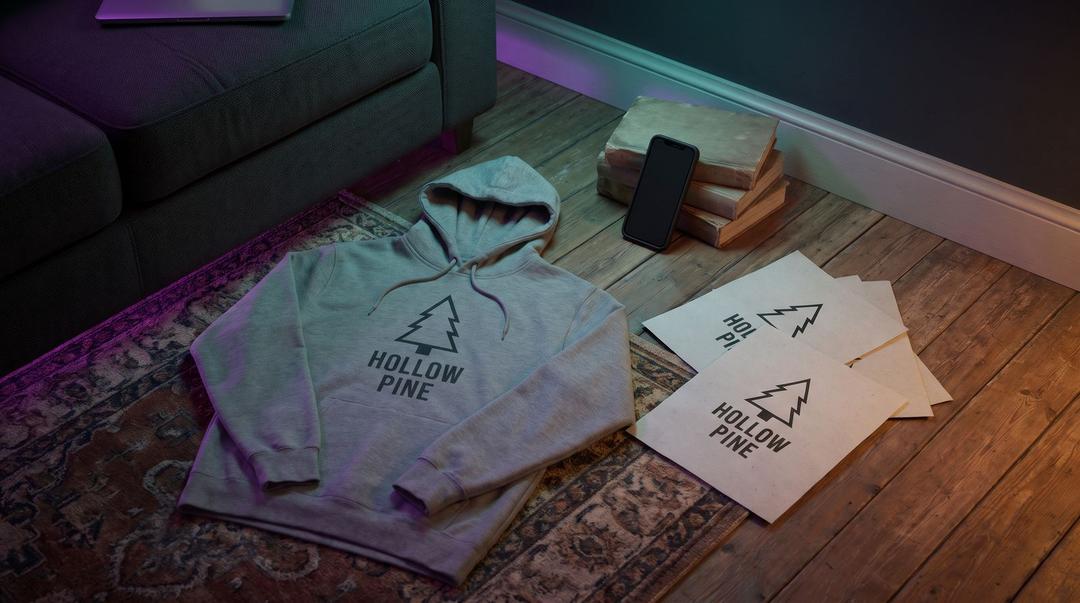
You do not need the shirt in your hands to sell it. A mockup is a render of your design on a photo of the blank, and both suppliers generate them for nothing. Printful's mockup generator produces downloadable mockups of your products with no upfront cost, and Printify's places your artwork on product photos without a watermark. The mockup becomes the product image in your store, the image in your announcement post and the thing you hold up on stream.
The free mockups have one limit: they look like every other creator's mockups. If you want the listing to look like your channel rather than a catalog, the fix is also free. Take a screenshot of your own stream overlay with the mockup in it, or film yourself reacting to the mockup on stream and clip it. Our guide to merch mockups that sell goes through the options, including the ones that cost money once a drop has earned it.
Step 3: Open a Store With No Monthly Fee
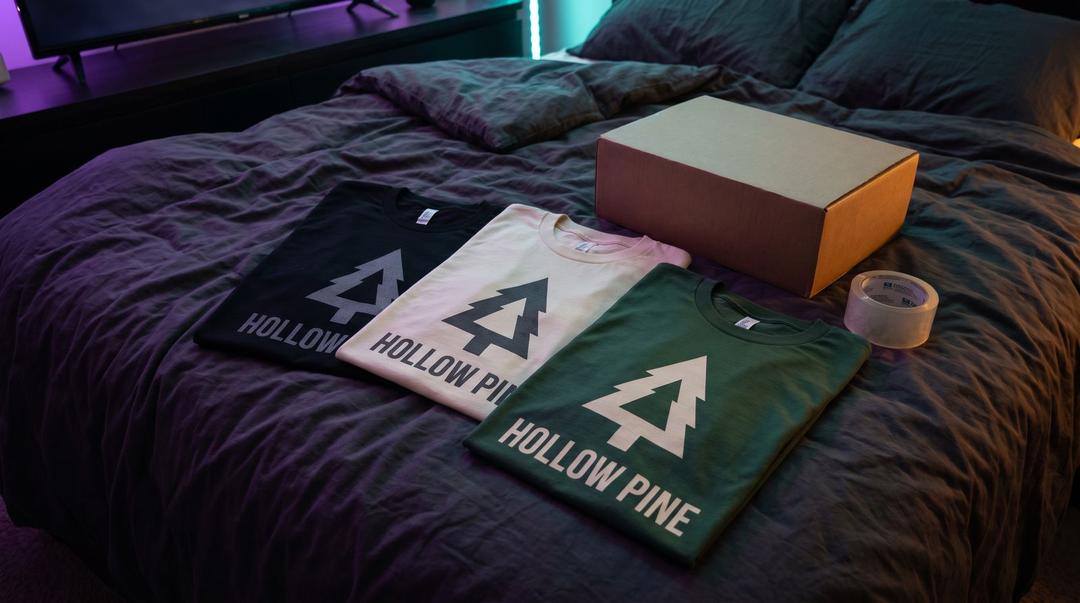
A store builder subscription is the cost most small creators think is unavoidable. It is not. Both suppliers now offer a hosted storefront of their own, aimed at exactly this situation, and you do not need a separate store builder to use one.
Printful's version is called Quick Stores, and at the time of writing it is only offered to sellers and shoppers in the US. Printify's Pop-Up Store page says the store has no subscription or listing fees, that you keep the difference between the base product cost and your retail price, and that you can use a custom domain, your logo and your colours. Either way you end up with a link: a hosted page where a fan picks a size, pays, and the supplier ships.
A hosted store has trade-offs. You do not own the storefront, the customisation is limited and the checkout is the supplier's, not yours. For a first drop none of that matters. When merch is earning enough to justify a store builder with a subscription, you can move the same products across; the Platform Finder compares the options when that day comes.
Step 4: Sell It Where You Already Stream
The store is a link, so selling is a matter of putting the link where fans already are. None of this costs anything.
On Twitch, add a merch panel under the player with the mockup as the panel image and the store link behind it, then add a chat command that posts the same link. Affiliate status is not required to do either. It does matter for the rest of your income, and the bar is low: Twitch's Affiliate Program FAQ lists the requirements as 25 followers, 4 hours streamed, 4 different stream days and an average of 3 viewers on 4 different days within the last 30 days. The audience that gets you there is the audience that buys the shirt.
On YouTube, the store link goes in the description and a pinned comment, which anyone can do. The merch shelf under the video is a separate thing with its own eligibility: YouTube's Shopping help page says a channel must be in the YouTube Partner Program, must not have its audience set as made for kids, and must have no Hate Speech Community Guideline strikes. Until you qualify, the description link does the same job with one more click.
On Discord, pin the link in an announcements channel and let the people who asked for merch in the first place share it. A link in your bio on every other platform finishes the job.
Where Free Stops
Three things do cost money, and it is better to know which before a fan finds out.
The sample. You can sell a product you have never seen, and many creators do, but a wrong print placement or a thin blank will come back as a refund and a disappointed fan. A sample is the one spend worth making. It is discounted rather than free: the Printful pricing page above gives Free plan members a discount on sample orders and caps how many sample orders you can place a month. One sample of your one product is a small, sensible first cost.
The price you set. Free setup does not mean free product. The supplier's base price and shipping come out of each sale, so a shirt priced to feel cheap can earn you nothing at all. Set the retail price after you have seen the base price and the shipping for your fans' countries, not before. Our guide to pricing streamer merch walks through the sum.
Your time. The design, the mockups, the panel, the announcement. None of it is billed, all of it is real, and it is the reason a first drop should be one product rather than a collection. One good tee that exists beats five that are nearly finished.
A Zero-Cost Launch in One Week
Day one, pick the asset: the emote, phrase or mark fans already use. Day two, build the design in the supplier's editor with an open-licence font and one placement. Day three, generate the mockups and pick one. Day four, open the free storefront and list the product. Day five, order the sample. Day six, add the panel, the chat command, the description link and the Discord pin. Day seven, say on stream that it exists.
That is the whole setup, and the only money that leaves your account is the sample. Everything after that is paid for by the fan who wanted the shirt. Once the drop has earned something, spend it on the things that make the second one better: a better blank, a real photo, a store you own.
FAQ
Can you really make merch for free?
You can set it up for free. Print-on-demand suppliers charge nothing to open an account, design a product or list it, and they only print after a fan has paid, so there is no stock to buy. What you cannot avoid is the cost of a sample if you want to see the shirt before fans do, and the time it takes to make a design worth wearing.
What is the best free way to sell merch as a small streamer?
A supplier's own free storefront, such as a quick store or a pop-up store, linked from your Twitch panels, YouTube description or Discord. It has no monthly fee, the supplier handles printing and shipping, and you only need to add a proper store builder later if the merch starts earning enough to justify one.
Do I need to be a Twitch Affiliate to sell merch?
No. Merch is sold through a link to your store, which anyone can post in a panel or chat command. Affiliate status matters for Twitch's own monetization tools, not for selling your own products, though the same audience that gets you to Affiliate is the one that buys the shirt.
Keep reading
- How to Make Merch as a Streamer: A Beginner's Setup Guide
A complete guide on how to make merch as a streamer
- Twitch Merch: How to Make and Sell It From Your Channel
How to make and sell Twitch merch: what Twitch does and does not do for you, why viewers buy, which products to start with, what you may not print, and where to put the link on your channel.
- Merch for Faceless Creators: A Brand Fans Wear Without Your Face
How to build merch for a faceless YouTube channel or stream: the brand assets that replace a face, merch ideas for voice, mascot and explainer channels, and how to sell it without appearing on camera.