merch mockup
How to Create Merch Mockups That Actually Sell
Your merch mockup is more than a preview—it’s your best sales tool. Learn how to create mockups that look pro, build hype, and actually sell products.
Let’s be real for a second. We put all this time into a merch design, the inside jokes, the perfect logo, the community references, and then we treat the product images like an afterthought. We grab the first generic-looking t-shirt image, slap our design on it, and call it a day.
Here’s the thing nobody tells you when you start the grind: your merch mockup isn’t just a preview. It’s your single most important sales tool. It's the first thing your community sees and it does the heavy lifting of convincing someone to go from “oh, cool” to clicking the “buy” button.
Most people think of it as the final step, but it’s the thing that actually closes the deal. A great mockup does three jobs at once: it grabs attention in a crowded timeline, it honestly shows people what they’re getting, and it tells a story about your community.
Don't worry, you don't need a photography degree or an expensive studio. We’re going to walk through how to create mockups that look professional, build trust with your chat, and actually help you sell your stuff, even if your starting budget is zero.
A Good Merch Mockup Does Three Jobs at Once
Before you even think about opening a tool or downloading a template, you need to understand what you’re trying to accomplish. A great mockup isn’t just a picture of a shirt; it’s a piece of communication. When you get it right, it does three critical things all at the same time.
1. It Stops the Scroll
Think about where people will see your merch for the first time. It’s going to be on a Twitch panel, a YouTube end card, or sandwiched between a dozen other posts on Twitter. Your mockup has to be visually interesting enough to make someone pause their endless scrolling. The key to this is matching the mockup’s vibe to your channel aesthetic.
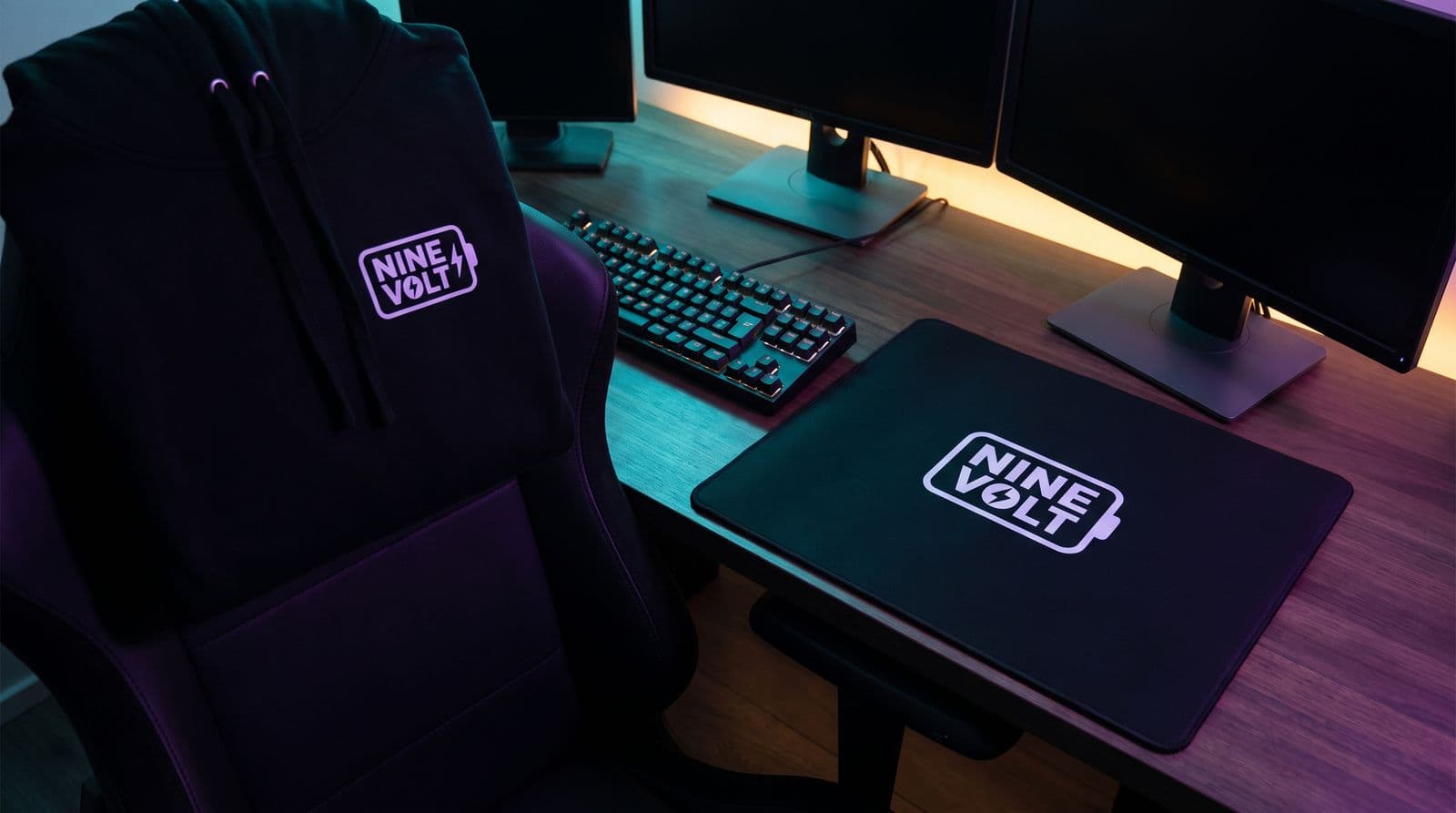
Imagine a gothic VTuber who plays horror games. Their mockups should reflect that. Think dark, moody lighting, maybe the hoodie is draped over a gaming chair in a room with some spooky collectibles on a shelf. Now, imagine a cozy creator who streams farming sims. Their mockups should feel warm and inviting, a mug placed next to a succulent on a sunlit wooden desk, or a t-shirt folded neatly next to a Switch.
These two creators shouldn't use the same generic lifestyle photo of a smiling person in a bright white studio. The scene you build around your product immediately tells your community, “This is for us.” It’s a visual cue that connects the merch directly back to the world of your stream.
2. It Shows What Buyers Are Actually Getting
This is the most important job: honesty. A mockup’s primary function is to be an accurate preview of the final product. It needs to build trust. If your mockup shows a giant, vibrant print but the real shirt has a small, faded-looking design, your buyers will feel cheated. And they won't buy again.
Your mockup should clearly and accurately represent:
- Print Size: How big is the design relative to the shirt? Don’t stretch a small chest design to cover the entire torso.
- Placement: Is it centered? Is it a pocket print? Show exactly where it sits.
- Color & Texture: The colors should be as close to reality as possible. If it’s an embroidered hat, use a mockup that shows the texture of the threads, not a flat graphic.
A flashy background can’t save a mediocre design. The product itself should be the hero of the image. The goal is to make your viewer think, “I know exactly what that will look like when it arrives,” not to trick them with fancy lighting and creative angles.
3. It Makes the Merch Feel Like Part of Your World
The best streamer merch feels less like a product and more like a souvenir from a community you love. It’s an inside joke (if you know, you know), a badge of honor. Your mockups are the perfect way to reinforce that feeling. A great mockup can't save a bad design, and this all starts with knowing how to design merch that fans will actually want to wear.
Instead of just showing the item floating in space, place it in a context that is familiar to your viewers. This makes the product feel tangible and real. Put the hoodie on a hook next to the acoustic guitar you play on stream. Set the new mousepad up on your actual gaming desk, next to your keyboard and microphone. Put your new stickers on the back of a laptop that looks like yours.
When your community sees the merch in your space, it stops being a generic product in an online store. It becomes a real object from a world they feel a part of. That connection is what turns a viewer into a customer.
Where to Start: Your POD Platform’s Mockup Tool
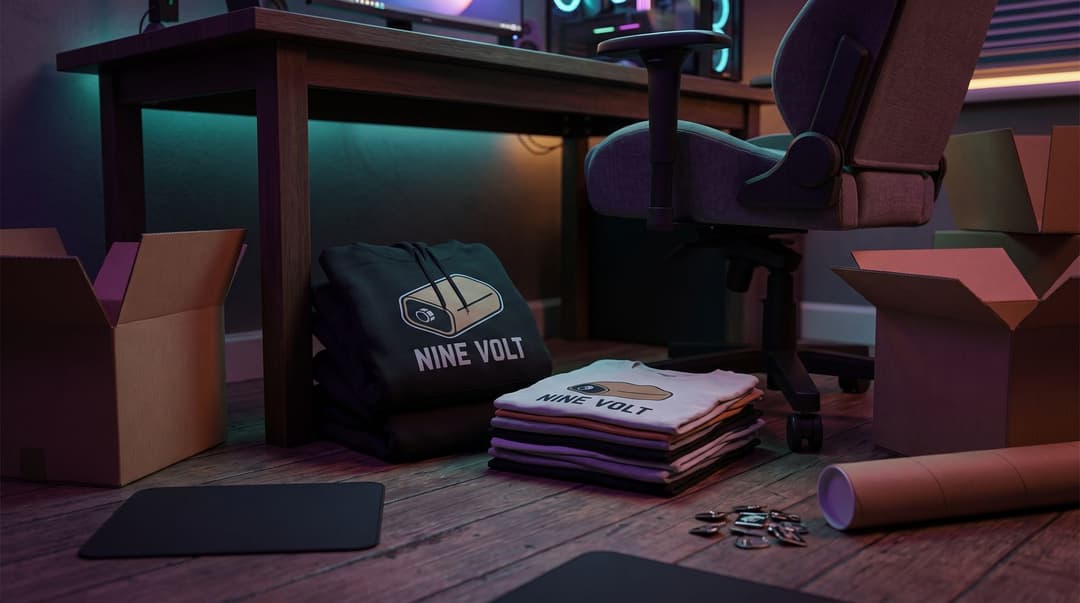
Okay, so you get the strategy. Now, where do you actually start making these things? The answer is simpler than you think: begin with the free tool your print-on-demand (POD) provider gives you.
This is the single best place to start for one crucial reason: accuracy.
When you use a POD service to sell merch, you aren’t just uploading a design. You’re choosing a specific blank product from their catalog, a certain brand of t-shirt, a specific model of mug, or a particular style of hat. The mockup generators built into these platforms are tied directly to those exact products.
This means the garment's shape, available colors, and how the fabric is rendered are all based on the real-world item. This is your ground truth. Services like Printful and Printify have free mockup generators built right into their product creation process.
Here’s how they generally work:
- You pick a product from their catalog (e.g., a Bella + Canvas 3001 t-shirt).
- You upload your design and place it on the product.
- The platform automatically generates a set of clean, professional mockups for you.
These initial mockups are perfect for your main product listings on your store. They are simple, clear, and, most importantly, an honest representation of what the customer is buying. You’ll get front views, back views, and sometimes even shots with models wearing the item.
Lately, these tools have gotten much more powerful. You’re not just stuck with a shirt on a white background anymore. Both Printful’s Mockup Generator and Printify’s Product Creator now offer a growing library of lifestyle scenes, flat-lay images (where the shirt is laid out flat), and even AI-powered scenes to give you more creative options.
Think of these POD-generated images as your foundation. Even if you decide to create more custom, stylized mockups later for social media or announcements, you should always have these simple, accurate product shots on your actual sales page. They answer basic questions and build that essential foundation of trust with your community.
Beyond the Basics: A Guide to Merch Mockup Tools
Once you've got your essential, accurate mockups from your POD provider, you might want to create more unique lifestyle images for your announcement posts, Twitch panels, or YouTube community tab. These are the images that tell a story and stop the scroll.
Fortunately, there’s a whole ecosystem of tools out there to help you do this, from dead-simple free apps to professional-grade software. Here’s a breakdown of your best options.
Free & Freemium Options (Perfect for Starting Out)
You don't need to spend money to make great mockups. These tools offer fantastic results for free.
- Canva: If you’ve ever made a stream overlay or a YouTube thumbnail, you probably already know Canva. Its drag-and-drop interface is incredibly easy to use. The Canva’s Mockups app (also called Smartmockups) is integrated right in, with a huge library of free photos featuring t-shirts, mugs, phone cases, and more. You just upload your design, drop it onto the mockup, and it magically fits. It's the fastest way to go from a design file to a decent-looking lifestyle shot.
- Kittl: While also a full design platform like Canva, Kittl is more focused on creators who want to build a cohesive brand aesthetic. It's Kittl's mockup tool is fantastic, with a curated library of high-quality, trendy scenes that don't look as generic as some others. Its free tier is quite generous, making it perfect for creating a visually consistent set of mockups for a new drop.
- Photopea: This one is a hidden gem. Photopea is a free, web-based image editor that works almost exactly like Photoshop. It’s the perfect tool for using professional mockup files (called PSDs) without paying for an Adobe subscription. You can find free PSD files online, open them in Photopea, and use the built-in layers to add your design.
- Mockup World: This isn't a tool, but rather a massive directory of free, high-quality mockup files from designers all over the world. You can search for specific items (like "black hoodie" or "enamel mug") and download PSD files to use in Photopea or Photoshop. Just be sure to check the license for each file to make sure it allows for commercial use.
Paid & Pro Options (When You're Ready to Level Up)
If you find yourself making merch regularly and want more control or a wider selection, these paid tools are worth a look.
- Placeit: This is probably the biggest and best-known mockup generator on the web. It has an absolutely enormous library of photos and even videos. The big advantage of Placeit is speed and variety. You can create a dozen different mockups in minutes. The downside is that because it's so popular, its scenes can sometimes feel a bit generic if you're not careful. It’s a monthly or yearly subscription.
- Photoshop: This is the industry standard for a reason. Using mockup templates in Photoshop with Photoshop's guide to Smart Objects gives you the ultimate control over every detail: lighting, shadows, fabric wrinkles, and color. The learning curve is steep, and it requires a Creative Cloud subscription, but the results are unmatched. If you're serious about design, it's an investment worth considering.
- Envato Elements / Shortcuts: For a monthly subscription, Envato Elements gives you access to a massive marketplace of premium assets, including thousands of unique, professional mockup files for Photoshop. These often feel more bespoke and less stock-like than what you find on other platforms. It's a great middle-ground if you want higher-quality results without having to create everything from scratch.
- Mediamodifier & Adobe Express: These are other solid, user-friendly alternatives in the same space as Canva and Placeit, both offering large libraries and easy-to-use interfaces. They are worth checking out if you want to see which one has scenes that best fit your specific niche.
Level Up: Shooting Your Own Merch Photography
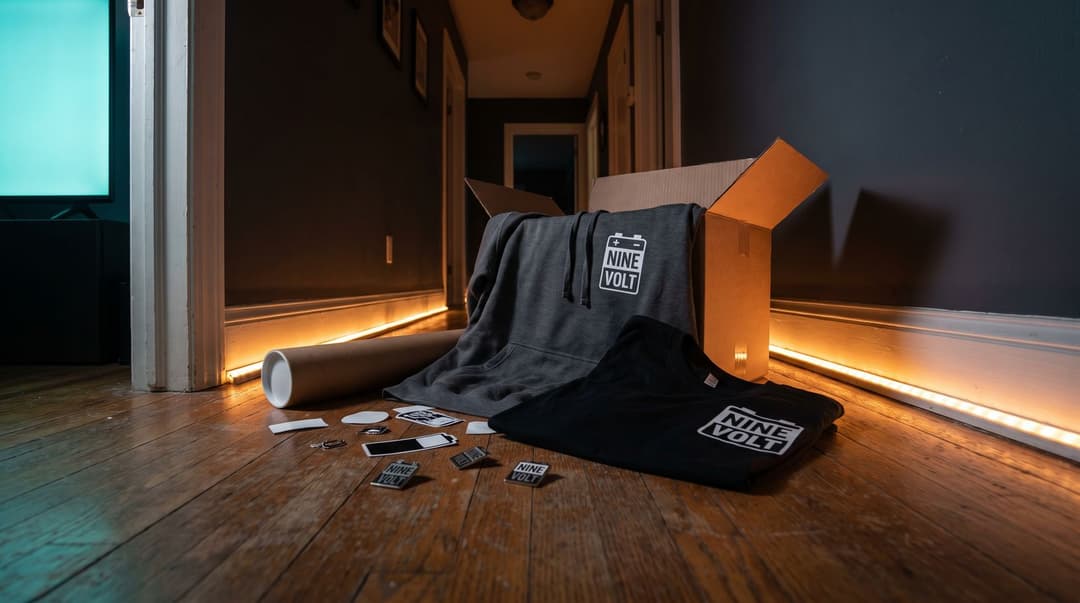
Digital mockups are great. They’re fast, cheap, and essential for your store. But you know what’s even better? A real photo of your actual merch. Nothing builds trust and hype like showing your community the real deal. This is the ultimate way to create merch mockups, and it's not as hard as it sounds.
The Power of the Sample
Before you even think about launching a new design to your community, you must do one thing: order a sample.
I can’t stress this enough. Never, ever sell something you haven't seen and touched yourself. Ordering a sample lets you do two critical things:
- Quality Control: You can check the print quality, the feel of the fabric, the accuracy of the colors, and the fit of the garment. Is the print cracking? Is the t-shirt material thinner than you expected? You need to know this before your chat spends their hard-earned money.
- Create Authentic Marketing: Once you have that sample in your hands, you have the most powerful marketing asset imaginable: the product itself. You can now create your own, 100% unique and authentic merch photography.
Why IRL Photos Convert So Well
Even the best digital mockup is still just a digital representation. It can’t perfectly capture the way light hits the threads of an embroidered hat, the texture of a screen print, or how a hoodie drapes on an actual person. Seeing you, the creator they know and trust, holding the mug or wearing the shirt is the strongest form of social proof there is.
It feels real because it is real. It answers all the little questions a buyer might have in the back of their mind: How big is that mug, really? Does that hoodie look comfortable? What does the print look like in normal lighting, not a perfect studio?
Simple Streamer Photo Tips (No Pro Gear Needed)
You do not need a fancy DSLR camera and a lighting kit. Your phone is more than good enough. The goal here is authenticity, not a slick corporate photoshoot.
Here are some dead-simple ways to get amazing shots right from your streaming space:
- The Desk Setup: This is the easiest one. Place your merch in your natural habitat. Put the new mug next to your keyboard and mouse. Drape the new t-shirt over the back of your gaming chair. Place the new mousepad under your keyboard. Take a quick photo. It instantly connects the product to your world.
- Wear It On-Stream: The week before you launch your drop, just wear the hoodie or t-shirt during your streams. People will naturally ask about it in chat. It feels organic, not like a hard sell. You can point to it, talk about the quality, and show how it fits in real time.
- The Unboxing VOD: When your sample arrives, film a quick unboxing. You can do it live on stream or record a short video for YouTube, TikTok, or Instagram. Your genuine reaction to seeing your idea come to life is contagious and builds excitement for the official drop.
- Use Natural Light: You don’t need fancy lights. Just use the light from a window. Stand near a window during the day and have a friend (or a tripod) take a few photos of you wearing the merch. Natural light is flattering and makes everything look better.
The Cardinal Rules of Merch Mockups (Dos & Don'ts)
Whether you’re using a generator or taking your own photos, a few simple rules can make the difference between a professional-looking store and a sloppy one. Follow these to keep your mockups effective and honest.
DO:
- DO show multiple angles. One hero image isn't enough. For any product, you should aim to show a "lifestyle" shot (in a scene), a clean product shot on a plain background, a close-up on the design to show detail, and a view of the back if there's a design there.
- DO match the scene to your audience. As we covered, the background and vibe of your mockup should feel like an extension of your channel. Keep your community in mind with every choice you make.
- DO keep your mockups consistent for a drop. If you're launching a collection with a hoodie, a shirt, and a hat, try to use a similar style for all the mockups. Use the same lighting, the same background style, or even the same model. This makes your store page and your announcements look cohesive and professional.
- DO test your design as a thumbnail. This is a big one. Before you finalize everything, shrink your best mockup down to the size it will be in a Twitch panel or a mobile shopping feed. Is the design still readable? Is the silhouette of the product clear? If it turns into an unrecognizable blob, you may need to simplify the design or choose a mockup that frames it better.
DON'T:
- DON'T mislead your customers (The Honesty Rule). This is the cardinal sin. Your mockup must be a faithful representation of the final product. Do not alter the artwork colors to look more vibrant than they are. Do not stretch the design to look bigger on the garment. Do not use a mockup showing hyper-detailed embroidery if your POD provider can't replicate it. And do not show the product in a garment color you don't actually offer for sale. Trust is everything.
- DON'T use watermarked assets. If you’re using a free tool or downloading a template, make sure you’re not exporting an image with a giant "Canva" or "Placeit" watermark on it. It looks unprofessional. Pay for the license or find a truly free alternative.
- DON'T mix wildly different mockup styles. On the same product page, don’t have one photo of a hyper-realistic model, another that's a flat vector drawing, and a third that's a dark, moody shot. Pick a lane and stay in it for a cohesive look.
- DON'T forget the license. This is especially important if you’re downloading templates from the web. Check that the mockup assets (the photo, the 3D model, the background) are licensed for commercial use. Using an asset licensed only for personal projects could get you in trouble.
How to Test Your Mockups and Find What Works
So you’ve made a few different mockups. Which one should you use for your big announcement tweet? The clean studio one, or the cool lifestyle one?
The answer is: you don't have to guess. You can let your community's clicks decide for you.
Running a simple test is easier than it sounds. You don’t need fancy software. All you need to do is create two different "hero" mockups for your main product, let's say it's your new hoodie.
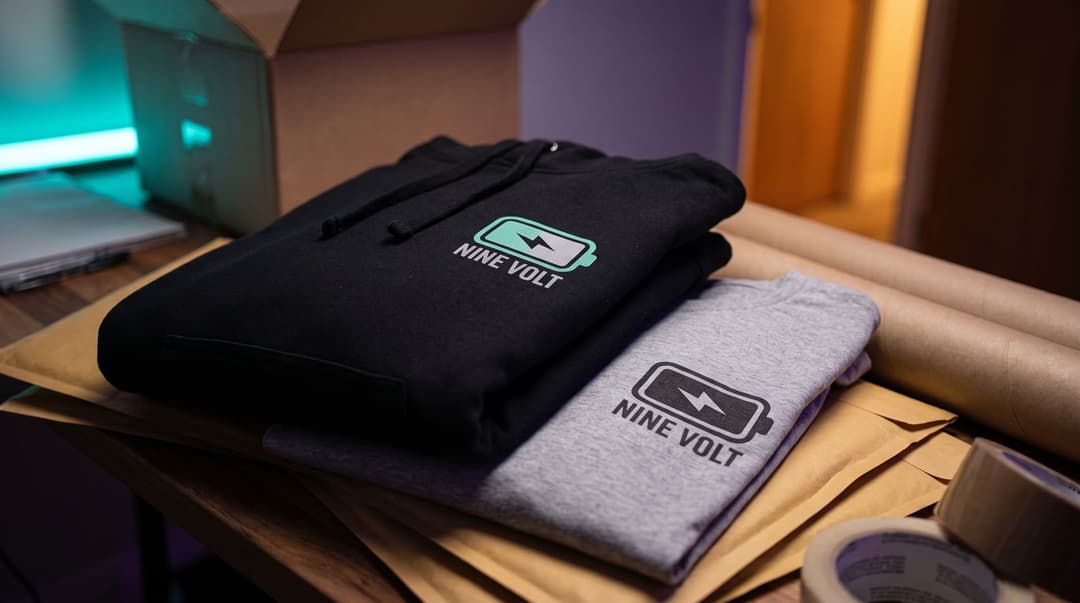
- Mockup A: The Clean Shot. This is a simple, clear image of the hoodie on a plain, unobtrusive background. The focus is 100% on the product and the design.
- Mockup B: The Lifestyle Shot. This is the hoodie being worn by someone (or placed in a scene) that reflects your channel's aesthetic. It tells more of a story.
Now, run a simple test. Use these two different images in different places and see which one performs better. For example:
- Use Mockup A as the image in your announcement post on Twitter.
- Use Mockup B as the image for your announcement on your Instagram or YouTube Community tab.
After a few days, check your analytics. Which post got more clicks on the store link? You can do the same thing with your on-platform advertising. Use one image for your Twitch panel and the other for your YouTube Merch Shelf. See which one drives more traffic. The results might surprise you. Sometimes the clean, simple image wins because it’s clearer. Sometimes the lifestyle shot wins because it’s more aspirational. The only way to know what works for your audience is to test it.
Your Mockup is a Handshake with Your Community
At the end of the day, a merch mockup is more than just a product photo. It's a conversation. It’s your way of showing your community that you’ve made something cool, that you care about quality, and that this item is a genuine piece of the world you’ve all built together.
Don't overthink it, and definitely don't let it stop you from launching. Start simple and accurate with your POD provider's tools. When you're ready, create some more stylized lifestyle shots that reflect your stream's unique vibe. And as soon as you can, get a real sample and replace your digital images with authentic photos.
Your community supports you because they feel a connection to you and what you create. A thoughtful, honest mockup is just one more way to strengthen that connection. You've got this.
FAQ
Do I need to be a professional photographer to take my own merch photos?
Absolutely not. Your phone camera and some natural light are all you need to create authentic photos that connect better than slick, corporate-style shots.
Are free mockup tools good enough to start with?
Yes, free tools like Canva or your POD platform's generator are more than enough to launch your first drop. Focus on a great design and an honest presentation over expensive tools.
How many different mockups do I need for one t-shirt?
Aim for 3-4 key images: a main "hero" image, a clean front-on product shot, a close-up of the design, and a shot of the back if it has a design.
Can I use AI to generate mockup scenes?
Yes, many tools now offer this, but use it carefully. Ensure the AI-generated lighting, folds, and textures look realistic and don't misrepresent your actual product.
Keep reading
- Esports Merch: A Guide to What Fans Actually Buy
Trying to figure out what esports merch your fans will actually buy? We break down the essential items, the psychology behind fan purchases, and how to launch your first drop without risk.
- TikTok Shop for Streamers: Is It Worth the Grind?
Thinking about how to sell merch on TikTok for your stream? Here’s a no-BS guide on whether it's worth it and the steps to get your first drop live.
- How to Design Merch Fans Actually Want to Wear
Learn how to design merch your fans will actually wear. Get merch design ideas, practical tips, and a step-by-step guide for your first drop.