how to make merch as a streamer
How to Make Merch as a Streamer: A Beginner's Setup Guide
A complete guide on how to make merch as a streamer
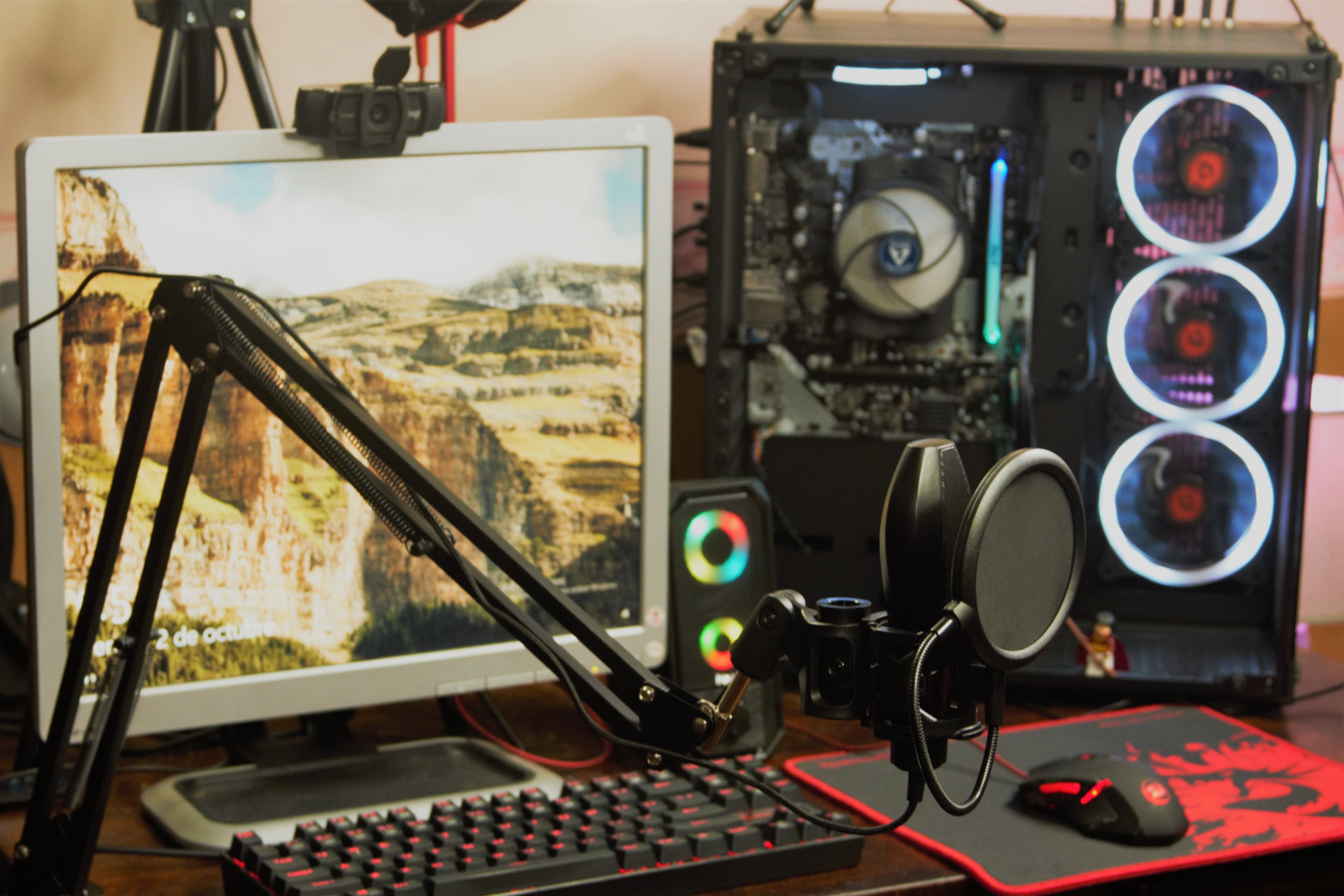
For content creators on platforms like Twitch and YouTube, learning how to make merch as a streamer represents a major milestone in turning a creative broadcast into a viable business. Selling branded products gives a channel a new revenue stream, but its deeper value lies in community building: a hoodie or sticker turns a passive viewer into a visible, recurring supporter. This guide provides a complete, zero-to-launch roadmap for any streamer, including those with no e-commerce or product-sales experience. It follows four sequential steps: defining a brand and designing the products, selecting a merch platform, setting up the storefront and pricing, and finally launching and promoting the drop. Each step focuses on the business and logistical decisions that first-timers tend to overlook, not just creative inspiration. The aim is a methodical process a creator can actually follow, from the first design sketch to the first confirmed sale.
Step 1: Defining Your Brand and Designing Your Merch
Before opening a design tool, you must establish a clear brand identity. Merch that sells is rarely just an attractive graphic; it is a recognizable extension of the channel. That means defining three foundations first: a consistent logo, a cohesive color palette, and a tone of voice that matches the stream's personality. When these elements are settled, every product decision becomes easier because there is a standard to design against. A design that ignores the channel's existing visual identity tends to feel generic, and generic merch is difficult to sell to a community that follows a creator for their specific character.
Translating Your Community's Identity into Designs
The strongest source of streamer merch ideas is the community itself. Viewers already share a private language built from inside jokes, memorable quotes, and iconic broadcast moments. Products that reference these create instant recognition and belonging. Twitch streamers use custom merchandise to create deeper fan connections by offering unique, branded products that fans can collect, with custom t-shirts, hoodies, and mugs featuring stream logos, inside jokes, or memorable moments.
Practical methods to source these ideas include:
- Reviewing chat logs and clip highlights for recurring catchphrases or emotes that already resonate with viewers.
- Polling the community directly on Discord or during a live broadcast to test which concepts they would actually wear or display.
- Repurposing existing channel emotes into apparel graphics, since these are already tied to the channel's identity.
This community-first approach reduces guesswork and validates demand before you commit money or design time.
Finding or Creating Your Artwork
Once the concept is defined, the design must be produced. There are two common routes. The DIY path uses accessible design software such as Canva or Kittl, which lets a creator assemble text and simple graphics without formal design training. Many print platforms explicitly point to vetted design communities and recommend tools like Canva or Kittl for finding an artist or designer.
The alternative is hiring a freelance artist through a marketplace like Fiverr or a portfolio site like Behance. This costs more upfront but produces original, higher-resolution artwork that scales cleanly across products. A useful rule for either route is resolution: designs must be high-resolution to translate well onto fabric, and placement should account for how a garment reads on a webcam if you intend to wear it on air. For most beginners, a sensible strategy is starting with a simple DIY logo tee to test demand, then reinvesting early profits into professional artwork for a larger drop.
Step 2: Choosing the Right Merch Platform
Selecting where to sell is a business decision, not a formality. The right choice depends on profit goals, how much control a creator wants over branding, and how tightly the shop should connect to the live stream.
Nearly all beginner-friendly options for merch for streamers run on a Print-on-Demand (POD) model. Under POD, each product is made after it is bought, so there are no order minimums, making it a low-risk, low-cost way to run an e-commerce business. This is the standard model for streamers precisely because it removes inventory risk: there is no upfront investment since you only pay after a customer places an order, stores are quick to launch, and fulfillment is handled for you.
Key Criteria for Evaluating Merch Platforms
Rather than chasing the "best" platform in the abstract, evaluate each option against criteria that map to specific goals:
- Profit margins: How much of the sale price you keep after base production costs.
- Product catalog variety: The range of apparel and accessories available.
- Streaming integration: Whether the platform supports on-stream purchase alerts and Twitch or YouTube shelves.
- Storefront control: How customizable the shop's branding and domain are.
- Fees: Whether there are monthly subscription costs on top of per-item production costs.
The streamer merch landscape shifts quickly. For example, StreamElements retired its in-house SE.Merch storefronts and partnered with merch monetization platform Fourthwall, redirecting its merchandise stores there beginning in June 2024. Verify a platform's current status before committing your designs to its ecosystem.
Comparing the Best Streamer Merch Platforms
The table below compares four widely used options for finding the best streamer merch setup. Base costs and exact margins vary by product, so treat this as a directional guide rather than a fixed quote.
| Platfrom | Model & Cost | Product Range | Stream Integration | Best For |
|---|---|---|---|---|
| Printful | POD supplier; connects to your own store | 522+ products | Via connected storefront (e.g. Shopify) | Creators building a standalone branded store |
| Fourthwall | POD, no monthly fee; you set prices and margins | Wide catalog, hundreds of products | Strong Twitch integration, gifting, and merch rotator | Creators wanting an all-in-one branded shop |
| Spring (formerly Teespring) | POD, free to use; you set your own margin | Apparel, accessories, Home & Living, Digital products | YouTube Merch Shelf, Twitch, Streamlabs | Beginners prioritizing zero cost |
| Streamlabs Merch | POD, integrated with Streamlabs tools | Apparel, hats, stickers, accessories | Native purchase alerts on stream | Streamers already in the Streamlabs ecosystem |
Several sourced details underpin this comparison. Fourthwall has no monthly fees, no upfront costs, and no contracts; you set your prices and choose your own margins. On the stream-integration side, its live merch and memberships gifting let creators and viewers build hype with on-stream giveaways in chat.
For Spring, the platform is free to use and lets you create and sell over 50 kinds of products with no upfront cost or risk, handling everything from printing to shipping to customer service. Printful, by contrast, acts as a backend supplier that you connect to your own storefront, featuring over 430 customizable products, from apparel and accessories to wall art and home goods.
Whichever platform you pick, ordering physical samples before a public launch is non-negotiable. Photos and mockups cannot reveal print durability, fabric weight, or color accuracy. To ensure that the quality meets your expectations for your brand, you should always inspect a sample order in person. Checking product quality in person protects a channel's reputation, since a poor first product can permanently discourage repeat buyers.
Step 3: Setting Up Your Storefront and Products
With a platform chosen, the focus shifts to the practical work of getting a storefront live. Two details separate a functional shop from a neglected one: disciplined pricing and product listings that connect with the audience.
While platforms handle printing and shipping, a creator is still responsible for setting up a functional online store with a service like Printful, which involves customizing the shop's appearance, writing product descriptions, and setting prices. The exact steps differ slightly by platform, but the sequence is consistent: apply branding, upload products, write listings, and set prices.
Calculating Prices for Profitability
Pricing on POD works from a base cost upward. The platform charges a production cost per item, and you set the retail price; the difference is your profit. Under this model, you keep the profit, which is the difference between your retail price and the production cost charged by the print-on-demand service.
A simple working formula is:
$$\text{Retail Price} = \text{Base Cost} + \text{Desired Profit Margin}$$
To find a competitive price point, start from the base cost, add a target margin (a \$10 to \$15 markup on apparel is common for creator merch), and compare the result against shops of similar channels. Pricing too low erodes profit margins, while pricing far above the community's expectations suppresses overall sales volume. For context on base costs, Printful lists the popular Bella + Canvas 3001 tee at $11.92 at full base price, and less with the Growth plan discount (checked October 2026). Because POD platforms operate on a pay-as-you-go model with no upfront inventory costs and no minimum orders, experimenting with price points carries little financial risk.
Crafting Product Listings That Sell
A product description should do more than list a garment's fabric weight. The most effective listings reconnect the item to the community moment that inspired it. If a shirt is built around an inside joke, reference that joke in its copy to give buyers an emotional reason to purchase. Strong listings typically include:
- A short narrative hook tying the design to a stream moment or catchphrase.
- Practical specifications, including material, fit, and available sizes.
- Clear, well-lit product images, ideally including photos of the streamer wearing the item.
Tip
Write descriptions in your on-stream voice. A listing that sounds like your actual personality converts far better than sterile, catalog-style copy that could belong to any brand.
Step 4: Launching and Promoting Your Merch
A live store does not generate sales on its own; actively promoting the drop is what converts availability into revenue. Because a streamer's audience is already gathered and engaged, the launch should center on the stream and its connected social media channels.
Launch Day Checklist:
- Create a chatbot command: Set up a command (such as !merch) that instantly posts the store link in chat.
- Set up on-screen purchase alerts: Celebrate each sale live on stream. This tactic drives revenue: a live alert turns one purchase into a prompt for the next.
- Prepare social announcement posts: Draft and schedule promotional posts across all platforms to go live the moment the store opens.
- Conduct a test purchase: Complete a full transaction yourself to confirm checkout, alerts, and fulfillment systems function correctly.
For ongoing momentum after launch, wear the merch during broadcasts to keep it visible, run limited-time designs to create urgency, and offer small discounts reserved for subscribers to reward loyalty. Platform-native tools amplify these efforts. On Twitch, features like gifting let viewers buy products for others in chat, and Fourthwall says on-stream giveaways in chat lift sales. On YouTube, the Merch Shelf displays products directly beneath videos, extending reach to viewers who watch recorded content. Using these integrations turns existing content into an ongoing storefront rather than a one-time announcement.
The Bottom Line
Learning how to make merch as a streamer comes down to four disciplined steps: building a brand and designing products around the community, selecting a platform that fits specific goals, setting up the storefront with deliberate pricing and compelling listings, and promoting the launch through stream-native tools. None of these steps requires prior business experience, only a methodical approach and a willingness to test with samples before going public. Approached this way, merch becomes far more than a side income; it is a durable tool for strengthening community ties and expanding a channel's brand well beyond the broadcast itself.
Keep reading
- Custom Desk Mats for Streamer Merch: The Full Guide
Thinking about a custom desk mat for your streamer merch? This is the complete guide to design, finding a printer, and setting a price your community will love.
- Instagram Shop vs. Linktree: Which Is Better for Streamer Merch?
Instagram Shop vs Linktree: which is better for your streamer merch? We break down the pros, cons, fees, and follower experience to help you choose the right tool.
- Streamer Merch Brand Name Ideas (+ How to Check If It’s Free)
Looking for streamer merch brand name ideas? Get 50+ creative names plus a simple 4-step guide on how to check if your new brand name is free to use.