twitch affiliate merch
Twitch Affiliate Merch: Your Guide to Selling Right Away
Just hit Affiliate and wondering about Twitch Affiliate merch? Here's a no-BS guide on what you can sell and how to set it up the moment you qualify.
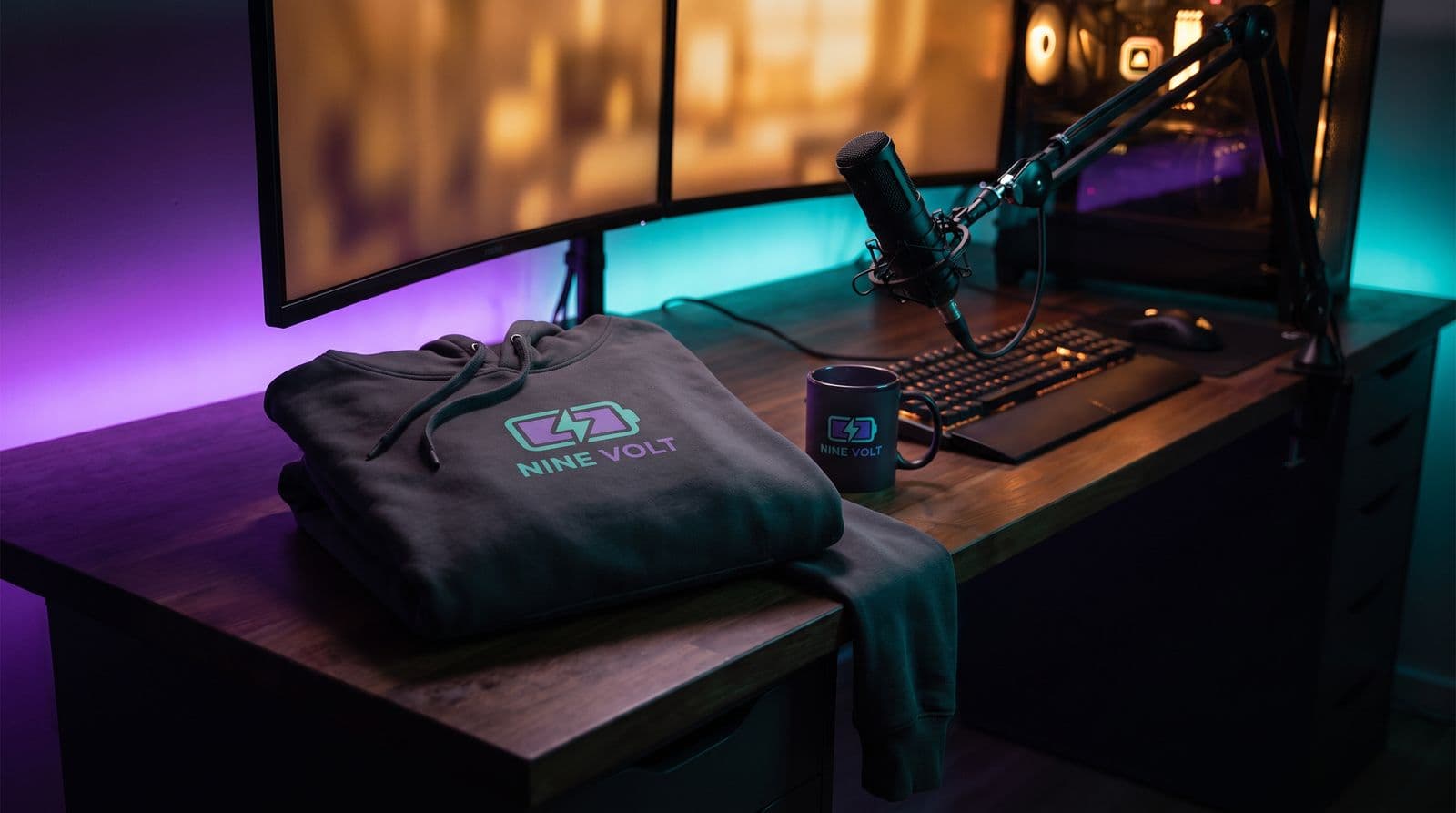
First off, congrats on hitting Affiliate. Seriously. You put in the hours, built a community, and made it through the requirements for joining the Affiliate program. That’s a huge milestone in the grind.
One quick clarification before we get into merch: you don’t actually need Twitch Affiliate status to sell it. You can create and sell your own merch before you qualify.
But Affiliate is a pretty natural time to start thinking about your first drop. You’ve already proven that people are coming back to your streams, hanging out in chat, and becoming part of your community. That’s exactly the kind of audience merch works best for.
You might think merch is only for streamers with tens of thousands of viewers, or that getting started means ordering boxes of shirts and turning your bedroom into a warehouse.
It doesn’t.
This guide will walk you through what to sell, how to test merch without buying inventory upfront, and how to put it in front of your community without being weird about it.
Twitch Affiliate Requirements in 2026
Before we get into merch, make sure you’re working with current information.
To qualify for Twitch Affiliate in 2026, you need:
- 25 followers
- 4 hours streamed
- 4 different streaming days
- An average of at least 3 concurrent viewers on 4 different days within a 30-day period
These requirements have changed from the older 50-followers-and-8-hours rules you’ll still see in outdated guides.
Also worth knowing: Twitch expanded access to features such as subscriptions, Bits, emotes, badges, and Channel Points in 2026. Affiliate or Partner status is still required before you can receive payouts.
The Honest Truth About Merch as a New Affiliate
Let’s get the big one out of the way: your first merch drop probably isn’t going to pay your rent. And that’s okay. For a smaller streamer, merch can serve a different purpose.
Merch is a community high-five, not just a paycheck.
Think of your first merch item like a physical version of an inner joke from the chat. It gives your regular viewers a way to show they’re part of the community outside Twitch.
Seeing someone post a photo in Discord wearing the shirt your community helped design can matter more at this stage than squeezing every possible dollar out of the sale.
You don’t need a huge audience
A smaller group of engaged viewers can be much more useful than a huge number of passive followers. But there isn’t a magic number where you suddenly become “ready.”
Instead, look for signals like:
- Viewers regularly use your emotes
- People repeating your catchphrases
- Recurring jokes or memes developing in chat
- Viewers asking whether you have merch
- Strong reactions when you show design ideas
- People identifying with your mascot, logo, or community name
If those things are already happening, test the idea. Put two designs in Discord. Run a chat poll. Show a sketch on stream. Your audience will usually tell you whether the idea has legs before you spend much time building a store.
Start small and simple
The temptation is to launch ten designs across hoodies, shirts, hats, mugs, phone cases, and everything else you can find.
Don’t.
For your first drop, one strong design across one to three products is plenty. You’ll learn what people actually want without overwhelming yourself or your viewers.
What Can a Twitch Affiliate Actually Sell?
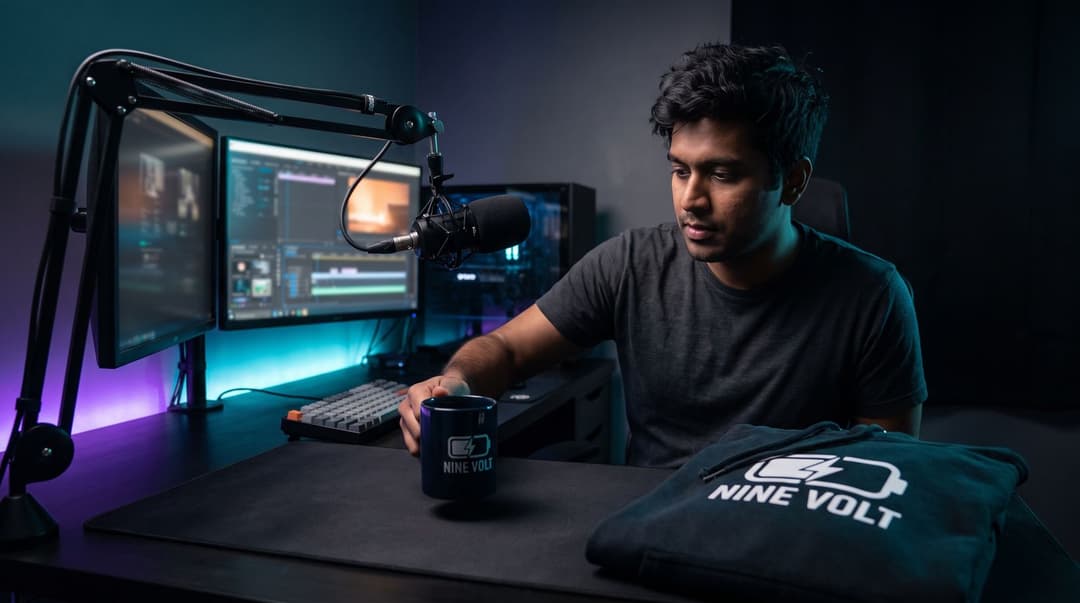
Technically, becoming an Affiliate doesn’t determine what merch you’re allowed to sell. Your options depend more on what you own the rights to and what your audience actually wants. For a first launch, though, some products make a lot more sense than others.
T-shirts
Still one of the easiest places to start. Keep the design wearable. A giant channel logo can work for dedicated fans, but subtle references, good typography, mascots, and inside jokes often feel more like something people would choose to wear normally.
Stickers
Stickers are cheap, easy to understand, and perfect for laptops, water bottles, consoles, and PC cases. They’re also great for testing multiple designs without asking supporters to spend much.
Mugs and tumblers
Useful products work well for community merch because people can actually use them every day. They’re also easy to show off on stream.
Desk mats
This one makes particular sense for gaming and streaming communities. A desk mat gives you a much bigger canvas than a shirt or sticker, so it works especially well for detailed artwork, maps, character designs, or community illustrations.
Hoodies
More expensive, so they might not be the first thing you test—but a good hoodie can feel much more premium than a basic tee.
Posters and prints
Great if your stream has strong original artwork, a mascot, a VTuber character, or a recognizable visual style.
The Best Merch Usually Comes From the Community
Your product matters, but the idea behind it matters more. A shirt that simply says your Twitch username can work, but the designs that feel special usually come from something the community recognizes.
Think:
- Inside jokes
- Original emotes
- Catchphrases
- Stream fails
- Mascots
- Recurring characters
- Community lore
- Memorable moments
- Weird things chat says constantly
That makes the merch feel like something made for your community, rather than generic influencer branding.
A Quick Note on Digital Merch
Not everything needs to be physical. Depending on what fits your community, you could also create:
- Wallpapers
- Digital art packs
- Printable posters
- Community icon packs
- Original sound packs
- Custom desktop backgrounds
Just be careful with emotes and alert assets. Something being used on your Twitch channel doesn’t automatically mean you own the commercial rights to resell it. More on that in a minute.
How to Set Up Your First Merch
You don’t need to order 200 shirts and hope someone buys them. One of the easiest ways to test merch is print-on-demand. With print-on-demand, products are created after a customer places an order. That removes the need to purchase large amounts of inventory upfront.
Depending on the platform and store setup, fulfillment costs may either be deducted from the customer’s payment or charged to you when the order is placed, with your store payout arriving separately. So POD reduces inventory risk, but it’s still worth understanding exactly when you get paid and when fulfillment is charged before launching.
Option 1: Creator-Focused Merch Tools
For a first launch, creator-focused tools can make things easier because they’re designed around streaming workflows.
The Streamlabs Merch store, for example, lets creators build a merch store and connect purchases with their streaming setup.
StreamElements also offers merch-related widgets, alerts, goals, chatbot commands, and integrations through SE.Merch. However, its current setup is more focused on connecting your stream to merch activity than acting as the entire storefront itself. The important feature here is the stream integration. When someone buys merch, and an alert appears live on stream, you get to thank them immediately—and the rest of chat gets to see the merch exists without you repeatedly advertising it.
Option 2: A Stand-Alone Store + Print-on-Demand
Once you want more control, you can create a separate storefront and connect it to a print-on-demand fulfillment service.
This can give you more control over:
- Product selection
- Pricing
- Store branding
- Product pages
- Promotions
- Customer experience
The trade-off is that there’s usually more setup involved. For a first-ever merch experiment, simple is fine. You can always move to a more advanced setup later.
Order a Sample Before You Launch
Mockups can look fantastic while hiding problems. If possible, order at least one sample of your first product before announcing it.
Check:
- Print placement
- Colors
- Fabric quality
- Sizing
- Fine design details
- Packaging
- Shipping experience
Then wear or use it on stream. That gives viewers a much better idea of what they’re buying than a digital mockup ever will.
Before You Print Anything: Make Sure You Own It
This is one of the easiest mistakes for new creators to make.
Being a Twitch Affiliate does not mean you can put Twitch branding, game characters, game logos, music artwork, memes, or other copyrighted material on products and sell them.
Twitch also places restrictions on commercial use of its trademarks and Brand Assets. You can review its current guidelines here. The same applies to commissioned artwork.
If you paid an artist to create your:
- Logo
- Emotes
- Mascot
- VTuber model
- Channel artwork
- Illustrations
Make sure the agreement gives you commercial merchandise rights.
Permission to use something on Twitch is not necessarily the same thing as permission to print it on 100 hoodies and sell them. When in doubt, ask the artist before launching.
Getting Your Merch Live on Your Twitch Channel
Your store exists. Now people need to find it.
You don’t need to turn every stream into QVC.
Just make the merch easy to discover.
Create a Twitch panel
Your About section is the obvious permanent home for the store.
Create a clean panel labeled something like: MERCH, STORE, COMMUNITY SHOP, and link it directly to your merch page. Twitch explains how to update panels here.
Add a chatbot command
Create something simple like:!merch or: !store Your bot can automatically post the link whenever someone asks where they can buy something. It also means your mods can trigger the command without you stopping the stream to explain it.
Wear your own merch
This is probably the easiest promotion you have. Wear the shirt. Drink from the mug. Use the desk mat. Put the poster behind your setup. If someone asks about it, you now have a completely natural reason to mention the store.
Don’t be weird about promotion
Nobody wants:
“BUY MY MERCH BUY MY MERCH BUY MY MERCH”
every 15 minutes.
A simple:
“By the way, chat, the sticker we designed last week is finally live. Link’s below if you want one.”
is enough.
Let Chat Help Build the Next Drop
Your first product doesn’t need to be perfect. Treat it as an experiment.
After launch, ask:
- Which design did people like most?
- Which product actually sold?
- Did viewers think the price was reasonable?
- Did anyone have sizing or shipping issues?
- What does chat want next?
Then use those answers for drop number two. That’s where merch gets interesting. Instead of guessing what your viewers might buy, you start building products with them.
You’re Ready to Go
Hitting Twitch Affiliate doesn’t suddenly unlock the ability to sell merch—but it is a great milestone to start experimenting with it. You’ve already built the important part: a group of people who keep coming back. Your first merch drop doesn’t need 20 products, expensive inventory, or some massive business plan. Start with one good community-driven idea. Test it with your viewers. Put it on a product people actually want. Use print-on-demand if you want to avoid stocking inventory. Order a sample. Make sure you own the artwork. Then put it out there and see what happens. Your first merch item probably won’t change your life. But seeing somebody from chat actually wearing it? That’s pretty damn cool.
FAQ
Do I need a business license to sell Twitch merch?
For most small-scale creators using print-on-demand, you likely don't need a business license to start, but you absolutely have to report the income on your taxes. Always check your local laws as your store grows.
How much money can a Twitch Affiliate make from merch?
Honestly, not a lot at first. A few dollars per item is typical. Think of it as a bonus and a cool way for fans to show support, not as a primary income stream when you're just starting out.
What if nobody buys my merch?
It happens to almost everyone! It's not a reflection on you or your community. It just means the design or product might not have been the right fit. This is exactly why you start small, so you can try something else without losing any money.
Keep reading
- Twitch Panel Merch Link: How to Set One Up (& What to Avoid)
Learn how to set up a Twitch panel merch link that drives sales. Our step-by-step guide covers panel specs, common mistakes, and how to do it right.
- How to Add a Twitch Merch Panel to Your Channel
Learn how to set up your Twitch merch panel in a few simple steps. This guide shows you how to create the graphic, upload it, and add a clickable link to your shop.
- Twitch Streamer Taxes 101: What Merch Income Means
Learn how twitch streamer taxes work: hobby vs business, taxable merch income, deductions you can claim, and how to file without the panic spiral.