holographic stickers
Holographic Stickers: Your Easiest Merch Upgrade
Thinking about merch? Holographic stickers are an easy, low-cost upgrade that your fans will actually want. Here’s how to design and sell them.
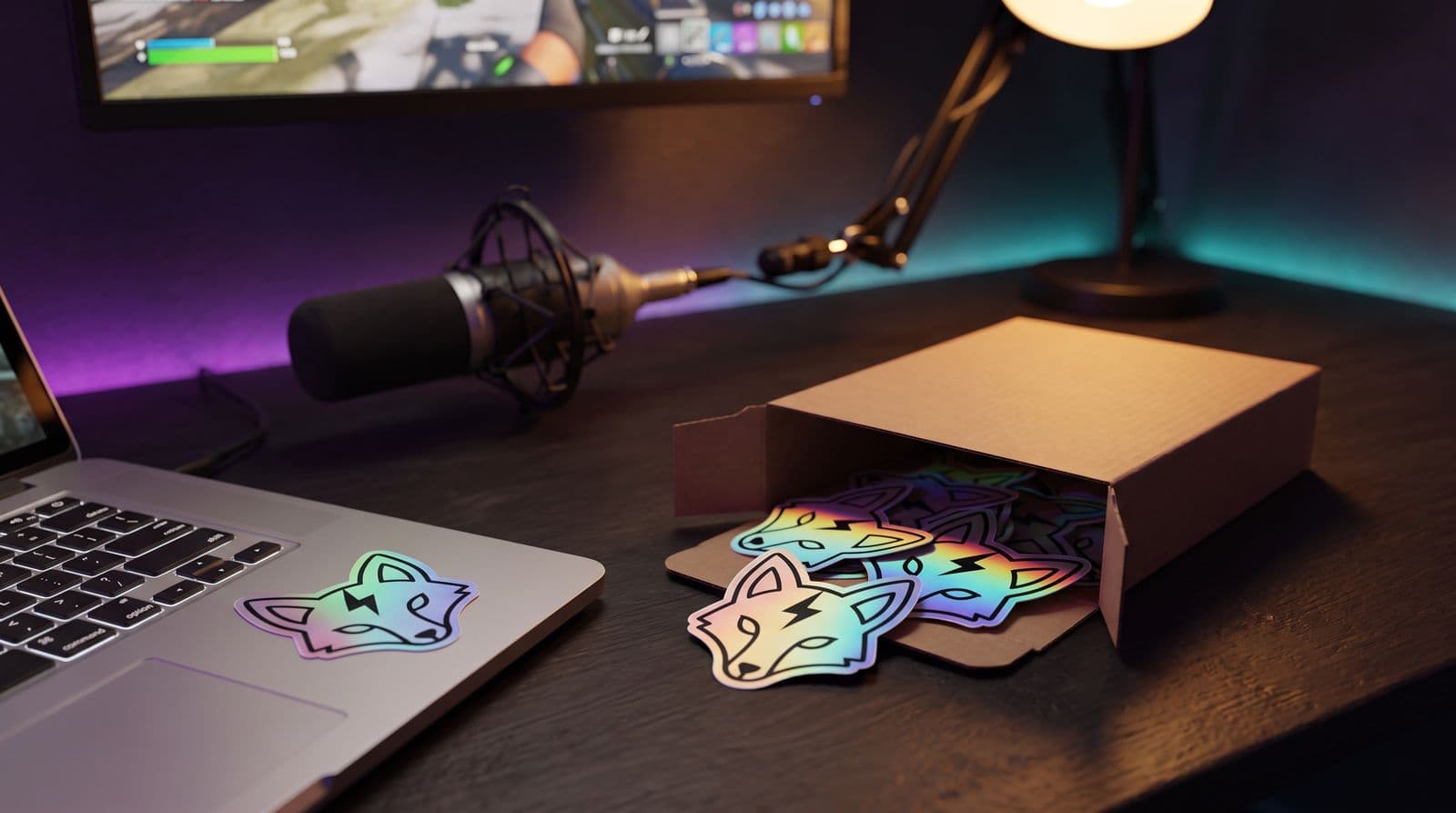
Look, let’s be honest: shiny things are cool. And when you’re grinding away as a creator, the idea of having your own merch can feel like a far-off boss fight you’re not high enough level for. It seems expensive, complicated, and like a huge risk if nobody buys it.
Here’s the thing nobody tells you: you don’t need to launch a full clothing line. You can start with something small, cheap, and genuinely awesome. That’s where holographic stickers come in.
They have this super-premium feel, but they’re surprisingly affordable and easy to get made. They’re the perfect first item, or a great way to level up your existing merch game. This guide will walk you through the whole process, no BS, so you can make something your chat will actually be hyped about.
Why Holo Stickers Are a Genius First (or Second) Merch Drop
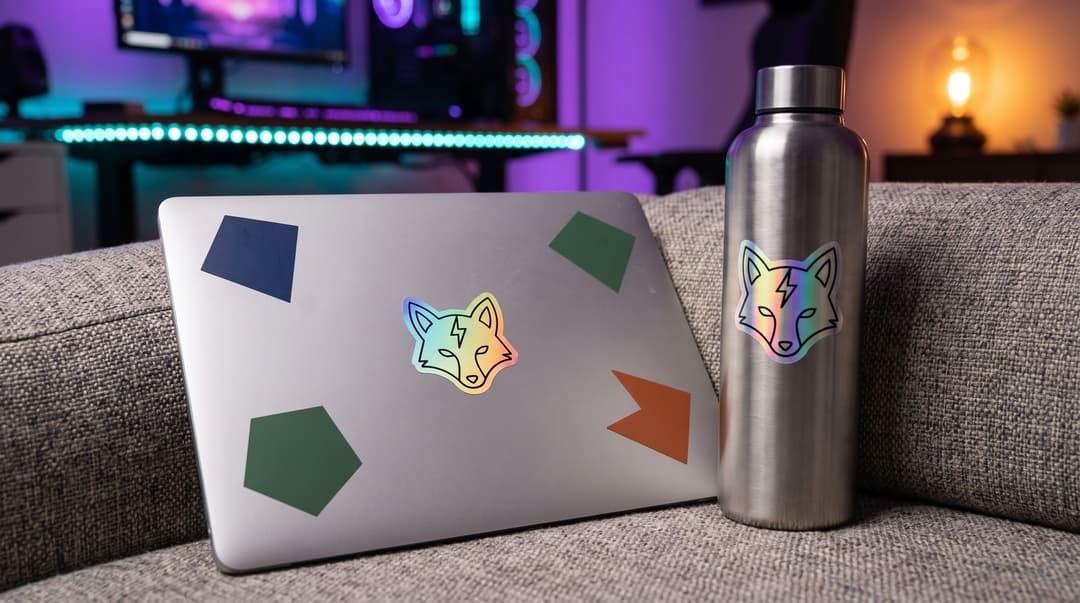
This isn’t just about making something that looks cool. It’s about making a smart move for your stream, especially when you’re starting out. This is one of the best creator merch ideas because it punches way above its weight class.
High Perceived Value, Low Actual Cost
A holographic sticker just feels more special than a standard one. The way it catches the light makes it look like it should cost a lot more than it does. People see it and think “ooh, fancy.” In reality, if you order a small batch, you can often get them made for less than a dollar apiece. This means you can sell them for a reasonable price, like $4 or $5, and still make a decent profit without feeling like you’re ripping off your community. It’s a win-win.
The Perfect “Add-On” or Giveaway Item
Because they’re small and light, stickers are incredibly cheap to ship. You can sell them on their own, but they also shine as a bonus item. Did someone just buy a hoodie? Tuck a holo sticker in the package as a surprise thank-you. It costs you almost nothing and makes the whole order feel more special. They’re also perfect for sub goal rewards or giveaways. Mailing a sticker is way easier and cheaper than mailing a t-shirt, so you can reward your community without destroying your budget.
A Walking Billboard for Your Channel
Where do people put stickers? On laptops, water bottles, PC cases, and notebooks. All things that they carry around and other people see. A sticker is basically a cosmetic skin for your real-life gear. When a fan puts your sticker on their laptop and takes it to a coffee shop, it’s a quiet little shout-out to your stream. It’s a way for your community to find each other IRL and a super low-key way to get your name out there.
Designing Holographic Stickers That Actually Look Good
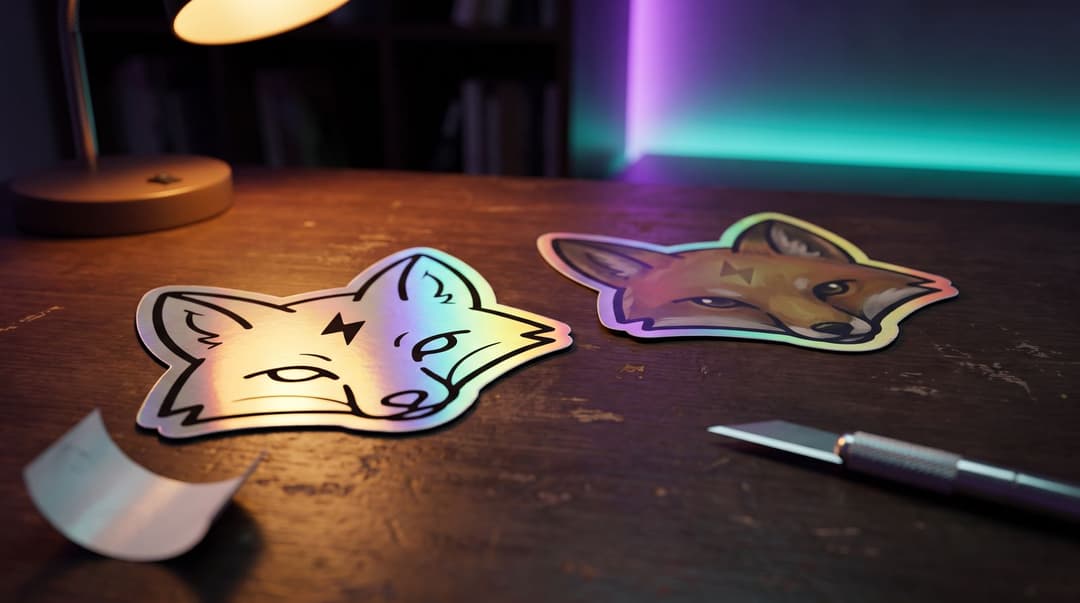
Okay, here’s where I messed up my first time so you don’t have to. The holographic material is the star of the show, and you have to design for it. You can’t just slap your most detailed piece of art on there and expect it to work.
Lean into the Effect
The best sticker design for streamers using holographic vinyl uses the effect, not fights it. This means using negative space and bold lines to let the rainbow shine through. A design that is too busy or has a ton of subtle color gradients will get lost. The holo effect will overwhelm the art.
Instead, think simple:
- Your logo, but just the outline.
- A beloved channel emote with a thick border.
- A catchphrase in a bold, clean font.
Any part of your design that is transparent or white will show the raw holographic material underneath. Use this to your advantage to create cool highlights and accents.
The Technical Bit (Made Simple)
To get a good result from a printer, you need to give them the right kind of file. It’s not as scary as it sounds.
- Use vector art if you can. This means a file ending in .AI, .EPS, or .SVG. Unlike a JPG or PNG, vector files don’t lose quality when you make them bigger or smaller. If you have an artist make your emotes or logo, ask them for the vector source file. It will save you so many headaches. If all you have is a PNG, that’s fine too; just make it big, 300 DPI at the finished size or larger, and keep the background transparent so the holo shows through.
- Keep your file in RGB, specifically sRGB. Your monitor uses RGB (Red, Green, Blue) light to show you colors. Professional printers use CMYK (Cyan, Magenta, Yellow, Black) ink. That sounds like you should design in CMYK, but print-on-demand services and most sticker printers ask for sRGB files and do the conversion themselves on calibrated printers; a CMYK file or a wide-gamut RGB file can come out with shifted colors. The one thing to expect is that very bright neon tones print a little duller than they look on screen, which the holo material more than makes up for. Printful’s file guide explains the reasoning.
Where to Get Ideas
The absolute best ideas are already in your chat. What’s the joke that always lands? What’s the emote everyone spams? What’s the dumb catchphrase you say at the end of every stream? That’s your merch. Your community created it with you, which means they’ll feel a connection to it. If you’re still drawing a blank, we have a whole guide on how to design merch fans will actually want to wear.
How to Get Your Stickers Made (Two Main Routes)
Once you have a design, you have two main ways to turn it into actual custom holographic stickers. Neither one is better; they’re just for different goals.
Route 1: Print-on-Demand (The “No-Risk” Method)
This is the easiest way to dip your toes in. You upload your design to a service, and they create a listing in your online store. When a fan places an order, the company prints one sticker, packages it, and ships it directly to them. You do nothing.
- Pros: Zero upfront cost. You don’t have to buy any inventory or worry about having a box of unsold stickers. You never have to go to the post office.
- Cons: The profit margin per sticker is much lower because the service is doing all the work. You also can’t check the quality yourself before it goes out, unless you order a sample first, which you should.
- Who it’s for: Creators who want to test a design with absolutely zero financial risk, or who just don’t have the time or space to handle shipping.
For this, you’ll use a print-on-demand (POD) service like Printful, which has a kiss-cut holographic sticker in its catalog, or Printify, which offers holographic die-cut stickers and holographic sticker sheets through its print providers. Either connects to your storefront and handles everything once an order is placed.
Route 2: Order a Batch (The “Higher-Margin” Method)
With this method, you find a sticker printing company and order a specific quantity upfront, say, 50 or 100 stickers. They print them all at once and ship them to you in a box.
- Pros: The cost per sticker is way lower, so your profit margin is much higher. You can inspect every sticker for quality, and you can add personal touches like a handwritten thank-you note.
- Cons: You have to pay for the whole batch upfront. You’re also responsible for storing them, packing them, and shipping them out yourself whenever you get an order.
- Who it’s for: Creators who are pretty confident a design will sell and who don’t mind a little bit of IRL work to make more profit.
A Quick Note on Copyright
This should go without saying, but only use your own artwork or art you have permission to use. If you want to use a platform logo, like the Twitch Glitch, you have to follow their rules. Most platforms have pages explaining what you can and can’t do; for example, you can check out Twitch’s brand asset guidelines to see how they handle it.
Selling and Shipping Your Stickers (Without Losing Your Mind)
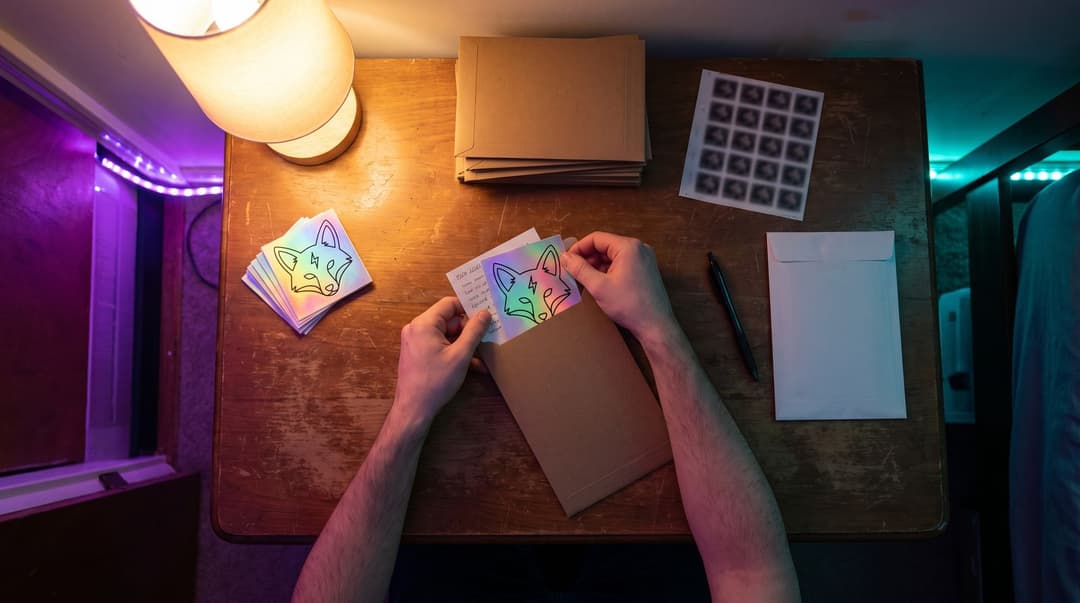
If you chose to order a batch, you now have a small pile of shiny stickers. Awesome. Don’t panic about the logistics. Keep it simple.
- Where to Sell: You don’t need a fancy Shopify store. A simple page on Ko-fi or Gumroad works perfectly for a single product. You could honestly just put a link in your Twitch panels or post in your Discord and handle the first few orders through DMs to see if there’s interest.
- The Shipping “Starter Pack”: All you need are small, rigid cardboard mailers (so the stickers don’t get bent), stamps, and a pen. That’s it. Don’t go out and buy a thermal label printer for your first 50 stickers.
- Pricing: Remember to add up all your costs. Your price should cover the cost of the sticker itself, the mailer, and the postage, plus a little extra for your time and profit.
Time to Make Something Shiny
That’s really all there is to it. Holographic stickers are a fantastic, low-stress way to make something that feels premium and special for your community. It’s a perfect first step into the world of merch.
Starting small is the smartest thing you can do. You don’t need 10,000 viewers to sell a sticker. You just need a handful of people in your chat who want to support what you do and rep the community. Your first sale is an amazing feeling, I promise.
Now go make something cool your chat will be hyped to stick on their stuff.
FAQ
How much do holographic stickers cost to make?
It varies, but if you order a small batch of 50 or 100, you can often get the price under $1 per sticker. With print-on-demand, the base cost is higher, usually around $2-$4 before your profit.
What size should my stickers be?
Around 3 inches (about 7-8 cm) is a safe bet. It's big enough to show off the design but small enough to fit on a phone case, laptop, or water bottle.
Can I turn my Twitch emote into a sticker?
Absolutely, as long as you have the original, high-resolution source file. Emotes are one of the best sources for sticker designs because your community already knows and loves them.
Keep reading
- A Creator’s Guide to Custom Acrylic Merch
Ready to make your first merch drop? Learn how to design and sell custom keychains, charms, and standees that your community will actually love and collect.
- Custom Desk Mats for Streamer Merch: The Full Guide
Thinking about a custom desk mat for your streamer merch? This is the complete guide to design, finding a printer, and setting a price your community will love.
- Merch Ideas for Gaming Clans & Discord Communities
Looking for gaming merch ideas for your clan or Discord? Skip the generic stuff. Here are ideas for merch that feels like an inside joke your community will actually love.