tiktok merch
How to Sell Merch on TikTok Shop: A Creator's Guide
Ready to sell your own TikTok merch? Our creator's guide walks you through setting up TikTok Shop, designing your first item, and selling with shoppable videos.
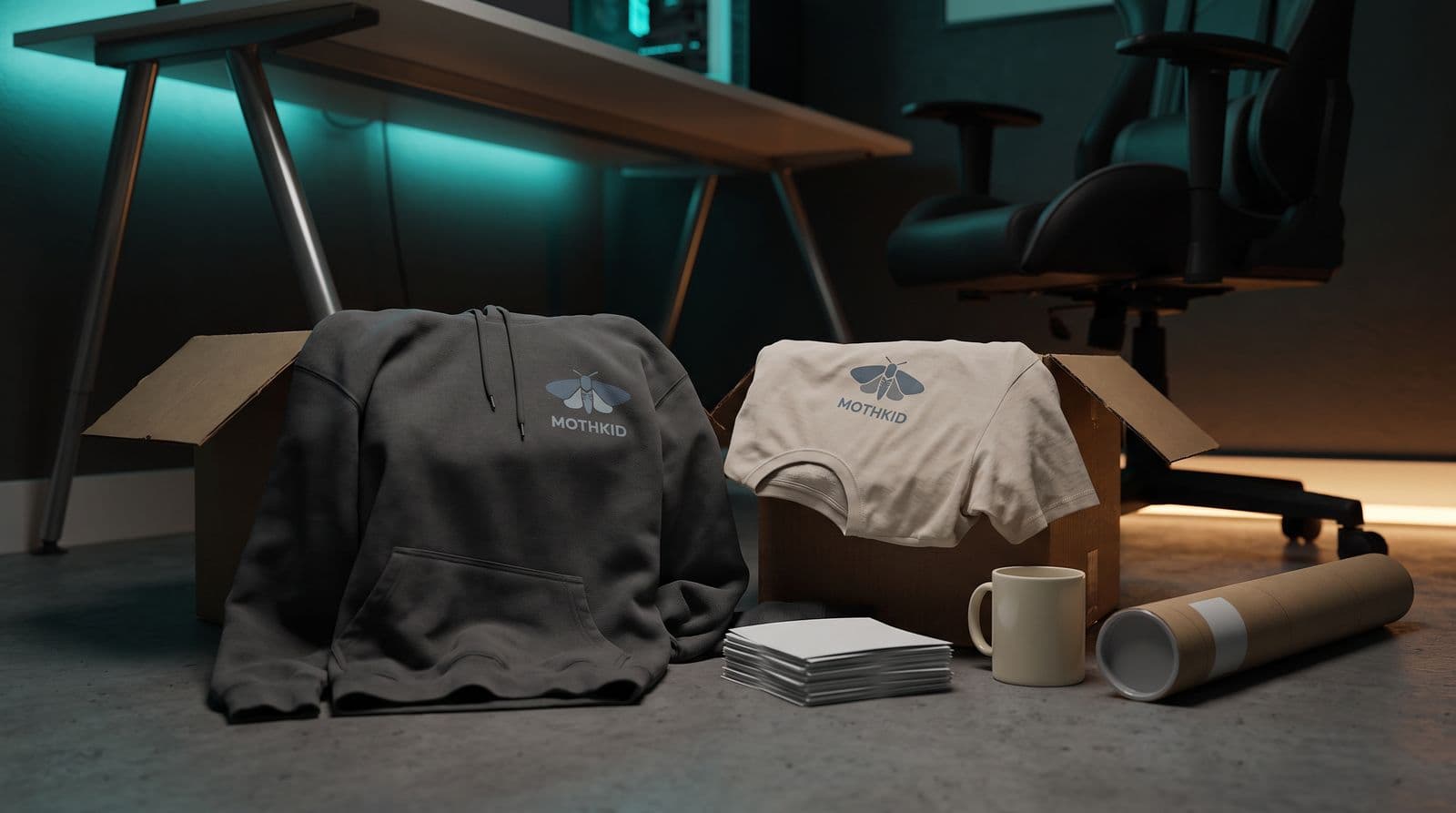
Here’s the best thing about selling merch on TikTok: your viewers can buy a hoodie without ever leaving the app. There’s no “link in bio,” no new tab, just a button right there on the video. It’s smooth.
And here’s the thing nobody tells you: you don’t need a million followers. The old way was waiting until you hit some huge sub goal on Twitch or YouTube. But TikTok’s integrated shop makes it way easier for smaller creators with engaged communities to drop their first item. If you’ve got a core group of people who show up for you, you can do this.
This guide is the stuff I wish someone had told me. We’ll walk through the whole process, from the boring (but important) eligibility stuff to actually making sales with your content. No corporate-speak, just a straight-up guide from one creator to another.
First, Are You Even Eligible for TikTok Shop?
Okay, let’s get the reality check out of the way. It’s the least fun part, I know, but there’s no point designing the perfect shirt if TikTok won’t let you open the shop. This is like checking the raid requirements before you queue up. You gotta do it.
For most of us on the creator path, the requirements are pretty straightforward. You just have to tick a few boxes.
Your Creator Checklist:
- Follower Count: In the US, you need at least 1,000 followers to apply as a creator. If you’re under 5,000, TikTok drops you into a 30-day “pilot program” with training wheels on: you can only post a few shoppable videos a day and a few shoppable LIVEs a week, and you can’t join campaigns yet. Hit 5,000 and you graduate to the full toolkit. Other regions have their own numbers, so don’t be surprised if yours looks different.
- Age: You have to be at least 18 years old. No getting around this one.
- Location: You need to be based in a country where TikTok Shop for Creators is actually available. This is expanding, but it’s not worldwide yet.
- Good Standing: Your account needs to be in good standing, which basically means you haven’t been breaking community guidelines left and right.
Now, there is another way. You can register as a Business, which has different rules and requires you to submit business documents. That path doesn’t have a follower minimum. But for this guide, we’re talking about the creator route, which is the most common one for streamers.
Before you spend a single second in a design app, check the official list of TikTok’s eligibility requirements for your specific region. The rules can and do change, and the official page is the only source of truth.
Designing Your First TikTok Merch Drop
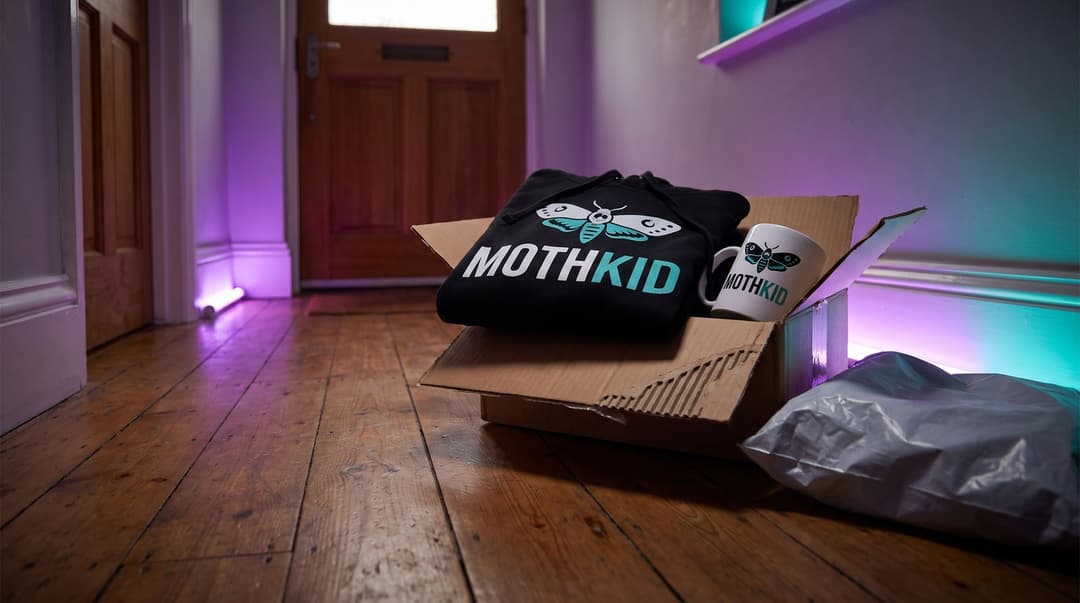
Alright, you’re eligible. Now for the fun part. My biggest piece of advice here is to chill out. Seriously. Your first merch drop isn’t the time to launch a 20-piece seasonal collection. Start small, smart, and with something your community will actually love.
One great design on one great product beats a whole store full of stuff nobody wants.
Focus on One Thing First
Don’t overwhelm yourself or your chat. Pick one single product to start with. A classic t-shirt or a comfy hoodie is the perfect starting point. You can always add more things like hats or mugs later.
Design for the Platform
A design that looks great on a VOD might get lost on a tiny phone screen in a 15-second video. Go for simple, bold designs that are easy to understand at a glance.
Good ideas for a first drop:
- A community catchphrase or inside joke.
- A stylized version of an emote your chat spams.
- Your logo, but only if it’s simple and clean.
Avoid super-detailed illustrations with tons of tiny text. It just turns into a colorful blob on video.
Make It Their Merch
This is the most important part. Your merch shouldn’t feel like it came from a big corporation. It should feel like it came from your community. Get your chat involved in the creation process. Run polls in your Discord or on your Community Tab. Ask them: Hoodie or t-shirt? Black or grey? Which catchphrase should we use? When people feel like they helped create it, it becomes their merch, not just yours.
The Setup: Connecting a POD Service to TikTok Shop
This next part can feel like the final boss of the setup process. It’s the most technical bit, where you connect all the dots to get your design from a file on your computer to a product people can buy on your TikTok profile. But trust me, it’s really just following a few steps.
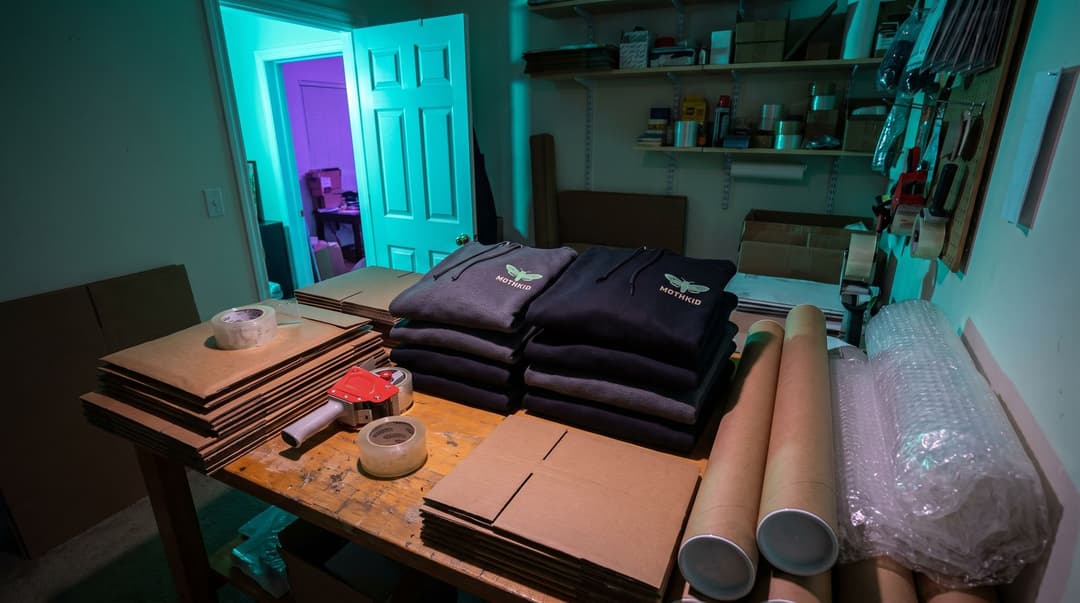
- Sign up for a print-on-demand provider. Don’t buy a hundred t-shirts and stack them in your bedroom. Use a print-on-demand (POD) service. They only print an item when someone actually orders it, and then they ship it directly to the customer. If you’d rather not figure all this out on your own, some POD providers also run mentorship programs for new sellers. Printify, for example, has a TikTok Shop Bootcamp inside its Sellers Club, where you can follow a step-by-step course and get advice from sellers who are already making money on TikTok Shop.
- Create your product. Inside your chosen POD service, you’ll upload your design. You’ll pick the exact model of shirt or hoodie you want to use, choose the available colors, and set your price.
- Register at the TikTok Seller Center. Now, head over to the official TikTok Seller Center and apply for your shop. This is where you’ll submit your info and get verified. Be patient; it can take a few days for your shop to get approved.
- Connect the two platforms. Most major POD providers now have a dedicated TikTok Shop integration. You’ll find it in their settings or app marketplace. Follow the instructions to link your POD account to your TikTok Seller Center account (here’s Printify’s walkthrough, for example).
- Sync and list your product. Once connected, your POD service will let you “push” the product you created over to TikTok. It will then appear in your TikTok Shop management panel, ready for you to make it live.
How to Actually Sell: Using TikTok’s Tools
The shop is live. Your hoodie is ready. So… now what? How do you point people to it without feeling like you’re running a non-stop commercial? The answer is to use the tools TikTok gives you. They’re built to make this feel natural.
Tag Products in Your Videos
This is the most basic tool. When you upload a video, you can add a link to a product from your shop. The key is to make a good TikTok first, and a product showcase second. Don’t just post a sterile image of the shirt with a link. That’s an ad. Instead, wear the hoodie in a regular video you were already going to make.
Go LIVE and Use the Shopping Feature
This is your secret weapon. For streamers, the LIVE Shopping feature is incredibly powerful. Plan a specific merch drop stream. Go live, and you can “pin” products directly on the screen. Your chat can tap the pin and buy it right there, mid-stream. Use the stream to show off the merch, talk about the material, and answer questions about sizing in real time.
Curate Your Profile Showcase
Once your shop is active, a little shopping bag tab will appear on your TikTok profile. This is your storefront. My advice is to keep it clean and simple. Don’t list 30 different items right away. Showcase your newest drop or your one bestseller. When people visit your profile, they can easily see what’s new without getting overwhelmed.
It’s a Marathon, Not a Sprint
Selling your first piece of TikTok merch isn’t about getting rich overnight. It’s about giving your community a cool way to support what you do and feel like a bigger part of the crew. It’s a high-five they can wear.
By using TikTok Shop, you’re just making it as easy as possible for them to do that, right inside the app they’re already scrolling. So start with one great design, get your community hyped by making them part of the process, and use the platform’s tools in a way that feels true to you. You’ve got this.
FAQ
Do I need a business license to sell on TikTok Shop?
It depends on your country and how much you sell. It's always a good idea to check your local business laws to be sure.
How much does TikTok Shop take from sales?
TikTok charges a commission or referral fee on sales, which can change over time. Check the TikTok Seller Center for the most current rates in your region.
Can I sell merch on TikTok without 5,000 followers?
To use the 'TikTok Shop for Creators' path, you typically need to meet a follower minimum. However, you can also register a formal business account, which has different requirements.
Keep reading
- TikTok Shop for Streamers: Is It Worth the Grind?
Thinking about how to sell merch on TikTok for your stream? Here’s a no-BS guide on whether it's worth it and the steps to get your first drop live.
- How to Sell Merch on Discord: A Creator's Guide
Ready to sell Discord merch to your community? Our guide shows you how to design, set up a store, and promote your drop without being spammy.
- Instagram Shop vs. Linktree: Which Is Better for Streamer Merch?
Instagram Shop vs Linktree: which is better for your streamer merch? We break down the pros, cons, fees, and follower experience to help you choose the right tool.